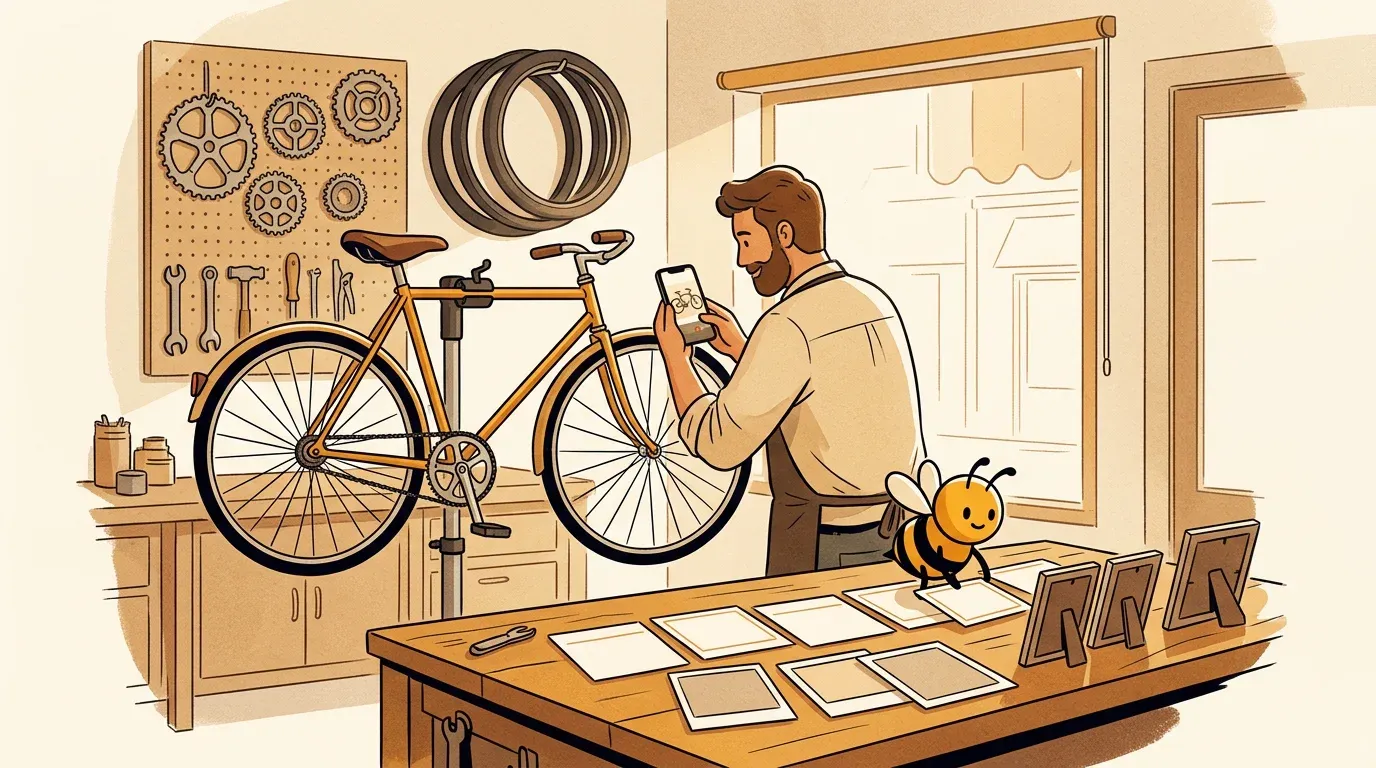
Most small business owners already know content helps. The problem is the week. Between customers, staff, stock and invoices, "make some content" quietly slides to Sunday night, and then to never. Small business owners on Reddit put it bluntly: the hard part is not knowing what content is, it is finding the time and beating the blank page.
This guide is about that problem. It gives you a content creation system you can run in one to six hours a week, with a worked example, a time budget, an honest look at who should make the content, and a one-page plan you can copy. If you want to plan the month before you make anything, start with our social media content plan guide.
Disclosure: Beevi is our product. We mention it where it genuinely helps and we list its limits too. Everything in this guide works without it.
Short on time already? Beevi can turn your photos, products and notes into on-brand social posts for you to approve. Try Beevi free for 7 days, no card needed. 🐝
What content creation means for a small business
Content creation for a small business is the habit of turning what already happens in your business into useful posts, emails, videos and pages that help the right people find you, trust you and buy. It is not a marketing department activity. For most small businesses it is one person, a phone and a repeatable routine.
That definition matters, because it changes where content comes from. You do not need to invent ideas from nothing. You need to capture what you already do (the repair, the bake, the fitting, the before and after, the question a customer asked today) and shape it for the places your customers look.
Two decisions come first, and they take ten minutes:
- One goal for the next 90 days. Bookings, walk-ins, quote requests, online orders or email signups. Pick the one that pays the bills this quarter. "Awareness" is not a goal you can act on.
- One customer you are talking to. Write them in a sentence: "Commuters within three miles whose bike is making a noise they are ignoring." Every piece you create should make sense to that person.
If you want a deeper framework for themes, our guide to social media content pillars walks through picking three or four.
The content worth creating (and the job each one does)
You do not need every format. You need a few that do a clear job for your goal and that you can produce without dread. Here is how the common types compare for a small team.
| Content type | Main job | Effort to make | Works best for | Realistic rhythm |
|---|---|---|---|---|
| Photos of real work, products and people | Show you are open, active and good at it | Low | Almost everyone, especially local shops and trades | 2-4 a week |
| Short vertical video (15-45 seconds) | Reach people who do not follow you yet | Medium | Visual work: food, beauty, fitness, repairs, makers | 1-2 a week |
| Carousels and how-to graphics | Teach, get saved and shared | Medium | Services with expertise to explain | 1 a week |
| Reviews and customer photos (UGC) | Proof from someone who is not you | Low once you ask | Any business with happy customers | 1 a week |
| Email newsletter | Bring past customers back, on a channel you own | Medium | Repeat-purchase businesses, studios, retail | 2-4 a month |
| Website article or FAQ page | Answer questions people search for, for years | High | Services with common questions and longer decisions | 1-2 a month |
| Text post or short story (LinkedIn, Facebook) | Show the thinking and the people behind the business | Low | B2B, consultants, community-led businesses | 1-2 a week |
Decision rule: start with photos plus one other format. Add a third only when the first two run on autopilot for a month. If you are stuck on topics, our list of what to post on social media for business has 42 ideas sorted by type, and user-generated content explains how to ask customers for photos without it feeling awkward.
Step 1: Capture raw material while you work
The single biggest change you can make is to stop "creating content" as a separate job and start collecting it during the week. Owners who keep it up tend to describe the same trick: everything goes into one folder as it happens, then a set content day turns that folder into posts.

Make one album on your phone (or one shared folder if you have staff) and aim to drop in these five things every week:
- Three or more work-in-progress photos or clips. Hands, tools, ingredients, the messy middle. Ten seconds each is plenty.
- One finished result. The cake, the haircut, the fitted kitchen, the bike ready for pickup.
- One customer question, written word for word. "Do I really need a tune-up every year?" is a post, an email subject and an FAQ.
- One piece of proof. A review screenshot, a thank-you message (with permission) or a tagged customer photo.
- One "only we would know" detail. Why you use a certain supplier, a mistake you see customers make, what changes in your trade this month.
Ten minutes a day of capture is worth more than a two-hour scramble for an idea. It also keeps your content real, which matters more every month as feeds fill up with generic AI images.
Step 2: Turn one idea into a week of content
Once you have raw material, pick one core idea per week and shape it for each channel, instead of making a week of unrelated posts. Every strong guide on this topic lands on the same principle, and it holds up because it saves the most time: one idea, several formats.
Here is what that looks like for a neighborhood bike shop whose 90-day goal is booked tune-ups before spring.
Core idea of the week: "Five signs your bike needs a tune-up before you ride it again."
| Format | What they make | Time |
|---|---|---|
| Short video | A 30-second clip of the mechanic squeezing a soft brake lever and spinning a wobbly wheel, captioned with the five signs | 20 min |
| Carousel | Five slides, one sign each, with a photo from the workshop folder and a "book a tune-up" last slide | 25 min |
| Photo post | A finished bike on the stand with a short story about the customer's commute (with permission) | 10 min |
| "Is your bike ready for spring?" to past customers, the five signs, one booking link | 30 min | |
| Website FAQ | A short answer to "how often should I get my bike tuned up" on the services page | 20 min |
| Story or quick poll | "Which of these is your bike doing?" with the replies answered by DM | 5 min |
That is about two hours for a full week across channels, and every piece pushes the same goal. The bike shop does not need six ideas. It needs one good one and the discipline to adapt it.

Adapting is not copy-pasting. Each platform wants its own length, crop and tone, and posting the same caption everywhere usually underperforms. If you want the detail on adjusting one post for each network, see how to post to all social media at once without the copy-paste look.
Step 3: Fit content creation into your real week
Most content plans fail because they assume more time than the owner has. Choose the row that matches your honest week, not your best week.
| Time per week | What you can sustain | How to spend it |
|---|---|---|
| 1 hour | 2-3 social posts, 1 Story day | 10 min daily capture, 30 min on one content day to write and schedule, 10 min replying |
| 3 hours | 3-4 social posts (one short video), a fortnightly email | Capture daily, a 90-minute batch session, 30 min email, 30 min replies and review |
| 6 hours | 4-5 posts (two videos), weekly email, 1 website article a month | Capture daily, a half-day batch session, 1 hour writing, 1 hour replies and community |
Three habits make any row work:
- One content day. Block the same slot every week. Our guide to batching a month of social content in one afternoon shows how to run that session.
- A calendar you will actually open. A simple sheet with date, channel, idea and status is enough. These social media content calendar examples show filled-in weeks for different business types.
- A fixed review slot. Ten minutes to check everything scheduled for the week. Plans rarely stall at the idea step. They stall when nobody signs off.
If you want the full step-by-step process with roles and a QA checklist, our social media workflow guide covers it.
Who should create your content: you, a freelancer, an agency or AI tools?
Reddit is full of owners who say "I hate content creation." That is a fair answer, and it does not mean content is not for you. It means you should hand off the part that drains you and keep the part only you can do: the offer, the voice and the final yes.
| Option | Best when | Watch out for |
|---|---|---|
| Do it yourself | You enjoy it, you have 1-3 hours a week and your work is visual | Consistency drops in busy seasons |
| Freelancer or virtual assistant | You can supply raw material and approve batches | Briefing takes time; quality varies; they leave |
| Agency | You need strategy, shoots and paid ads together | Highest cost; can sound less like you |
| AI content tools | You have the raw material and facts but not the hours to write and design | Generic output if you feed it nothing real; needs your review |
| Mix | Most small businesses end up here | Decide who approves before anything goes live |
For rough price ranges of each route, see our breakdown of social media marketing costs for small business.
Using AI for content creation without sounding like everyone else
AI is now the fastest way past the blank page, and more than half of small businesses already use it, according to Constant Contact's 2026 small business research. The difference between content that works and "AI slop" is what you feed it and what you check.
Feed it real things: your product names and prices, your opening hours, the customer question from your folder, your real photos and your tone (if you have not written yours down, start with how to define your brand voice).
Run this five-point check before anything goes out:
- Facts: prices, dates, hours and offers are correct.
- Voice: it sounds like you would say it at the counter.
- Proof: no invented reviews, results or claims.
- Visuals: your real work or products are recognizable, not random stock-looking art.
- One next step: book, call, order, reply or visit. Just one.
If a post fails any point, fix it or skip it. Posting less but better beats a full calendar of filler.
How to tell if your content is working
Keep this simple and tie it to your 90-day goal. Once a month, check three things:
- The goal number: bookings, calls, quote requests, orders or signups that mention or came from your content. Ask new customers "how did you find us?" and write it down.
- Which core ideas pulled their weight: the topics that got replies, saves, shares or DMs. Make more of those.
- What you could not keep up with: if a format keeps slipping, drop it rather than feeling guilty.
Give any routine at least 8-12 weeks before judging it. Content compounds slowly, especially search content like FAQs and articles.
Where Beevi fits, and where it does not
The capture habit and the "one idea" decision are yours. The time sink for most owners is everything after that: writing each version, designing it, sizing it for each platform and keeping the schedule full.
Beevi is an AI social media manager that writes, designs and schedules posts across 6 platforms (Instagram, Facebook, LinkedIn, X, TikTok and YouTube), with your approval before anything goes live. It works from your real products, services and brand assets, so posts look like your business rather than stock art, and it keeps products and recurring characters recognizable from post to post. If you would rather hand off more of the social side, see how it works for small business social media management.
Honest limits:
- It covers social posts, not everything. It does not write your email newsletter, your website articles or your Google Business Profile updates.
- Your real moments still win. The clips and photos from your capture folder build more trust than any generated image. Use them.
- Drafts need your review. Approval is built in on purpose, so keep that weekly review slot.
- If you post a couple of times a week to one or two channels, a free scheduler or Meta Business Suite may be all you need.
You can start with a 7-day free trial (every feature except video, no card). After that, a Free plan keeps scheduling and publishing free. See pricing for the details.
Copy this one-page content plan
- 90-day goal: _______________
- Who we are talking to (one sentence): _______________
- Formats (photos + one more): _______________
- Time per week (1, 3 or 6 hours): _______________
- Content day and time: _______________
- Weekly review slot: _______________
- This week's core idea: _______________
- Who approves before posting: _______________
Fill it in, make the phone album today and pick this week's one idea. That is content creation for a small business: not more work, just the work you already do, captured and shared on purpose.
Want the writing and design handled while you keep the final say? Start your 7-day Beevi free trial. No card required. 🐝