Instagram grid planner
Drag your photos into order and see the grid before you post. Files stay on your device.
- Free
- No signup
- Stays in your browser
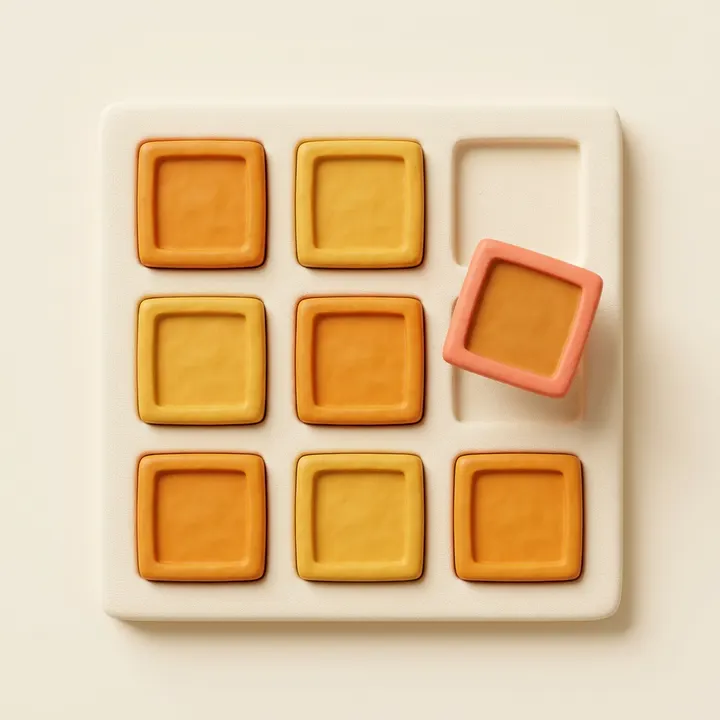
Up to 15 photos. Drag a tile, or focus it and use the arrow keys. Files stay on this device. The profile grid is 3:4. A 4:5 portrait loses a little of each side, about 6%.
Add photos to see the grid.
Single-post preview
Your first photo and caption in an Instagram post frame. Nothing is posted.

Your BusinessYour caption shows here, folded the way the feed folds it.
The caption folds where the feed folds it. Instagram does not publish an exact number, and it moves with the screen.
How to plan your Instagram grid
Add the next six to nine photos you plan to post. The newest post lands top left, so the photo you will post next goes there, and the rest move down as you post. Drag a tile to swap the order until no two similar shots sit side by side.
Look at the grid from a distance. If one color or one kind of shot runs down a whole column, move it. Mixing a close-up, a wide shot and a text post in each row keeps the profile easy to scan. When the order looks right, download the PNG and post in that order.
What the grid is showing
Profile thumbnails are 3:4. A square loses the sides. A 4:5 portrait also loses a little of each side, about 6% of the width. The note under each tile is that crop. The PNG download uses the same 3:4 frame.
The single-post card is a separate mock, with the caption cut near 125 characters. It is not connected to Instagram, and nobody is notified when you use it.
Questions people ask
How can I plan my Instagram grid?
Add the photos you plan to post, then drag them into the order you want. The newest post sits top left, so put the next one there. Each tile shows the 3:4 crop the profile grid uses. Download the plan as a PNG when it looks right.
Is there a free Instagram feed planner available?
Yes. This grid planner is free, needs no account and runs in your browser. It plans the order and shows the crop. It does not schedule or publish, so post from the Instagram app or a scheduler when you are ready.
What is the best grid layout for Instagram?
The one you can keep up. Common layouts are a checkerboard that alternates a photo and a text post, a row of three that shares one theme, and a color that runs through the grid. A puzzle layout breaks the day one post is out of order, so it suits launches more than a weekly feed.
What is the best grid planner for Instagram?
Pick by what you need. A phone app is best if you plan from your camera roll. A scheduler suits you if the plan should also publish. This page is for a quick look in the browser: no signup, nothing uploaded, and a PNG of the plan you can share.
Does the grid planner connect to my Instagram account?
No. It never contacts Instagram, so nobody is notified and nothing is posted. It only shows files you add on this device.
More free tools
 Instagram post ideasIdeas grouped by what the post does, each with an example. Filter them or shuffle ten.
 Resize image for InstagramPost, portrait, Story, Reel and profile sizes. The whole photo fits, with no crop.
 Instagram line break generatorKeeps the blank lines in captions and bios, so your paste looks the way you typed it.
When you want the posts written for you
Beevi learns your brand and drafts posts for six platforms. You approve every post before it goes live. Try it free for 7 days.
Start your free trial