




Features · Carousels
The Instagram carousel maker that writes the whole deck.
No blank Canva page. No ten slides that don’t talk to each other. Give it a topic, or let it pick one from this week’s trends, and Beevi writes the story, designs every slide and waits for your yes.
7-day free trial · Nothing publishes without your approval
- Hook
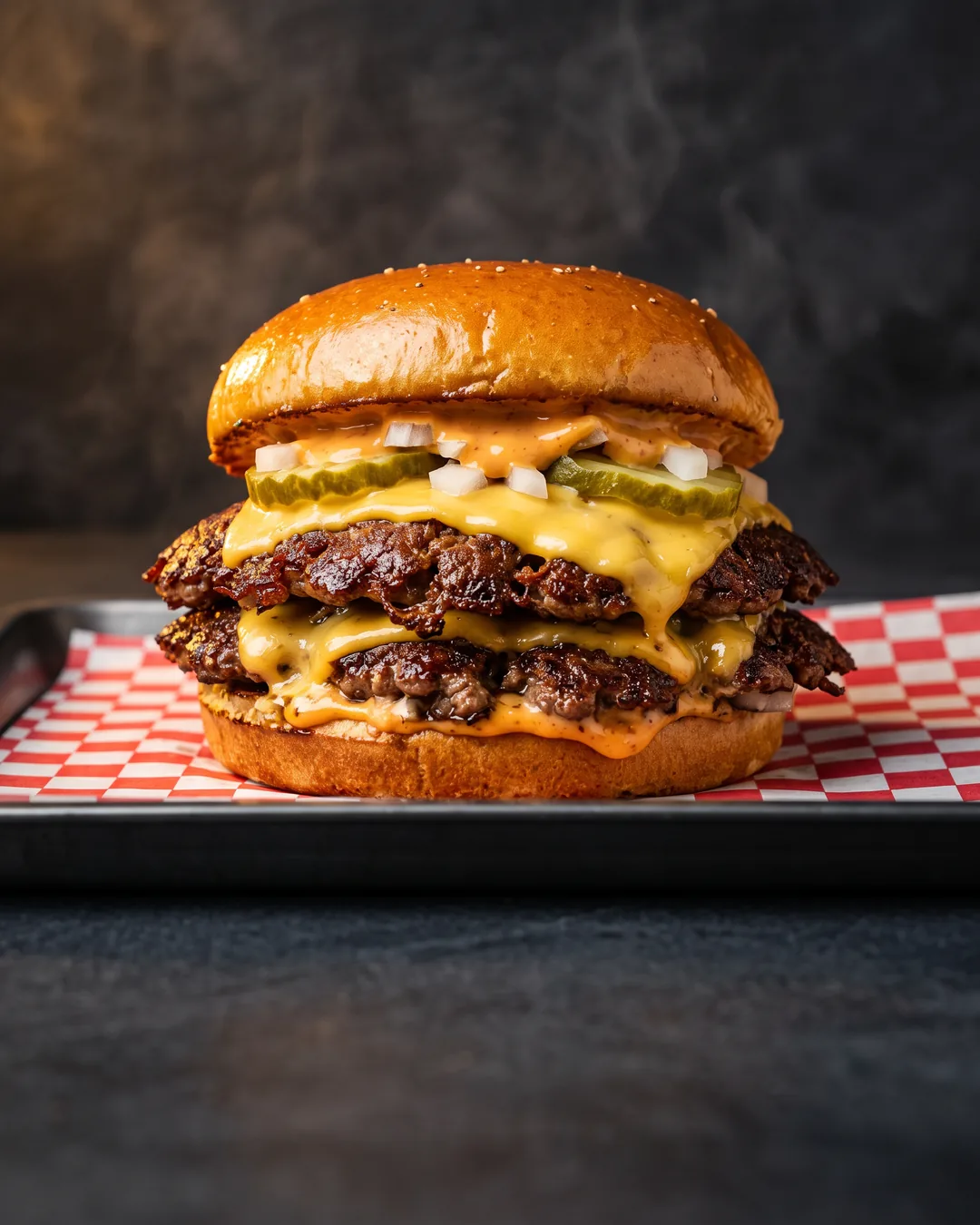
 STACKHOUSE
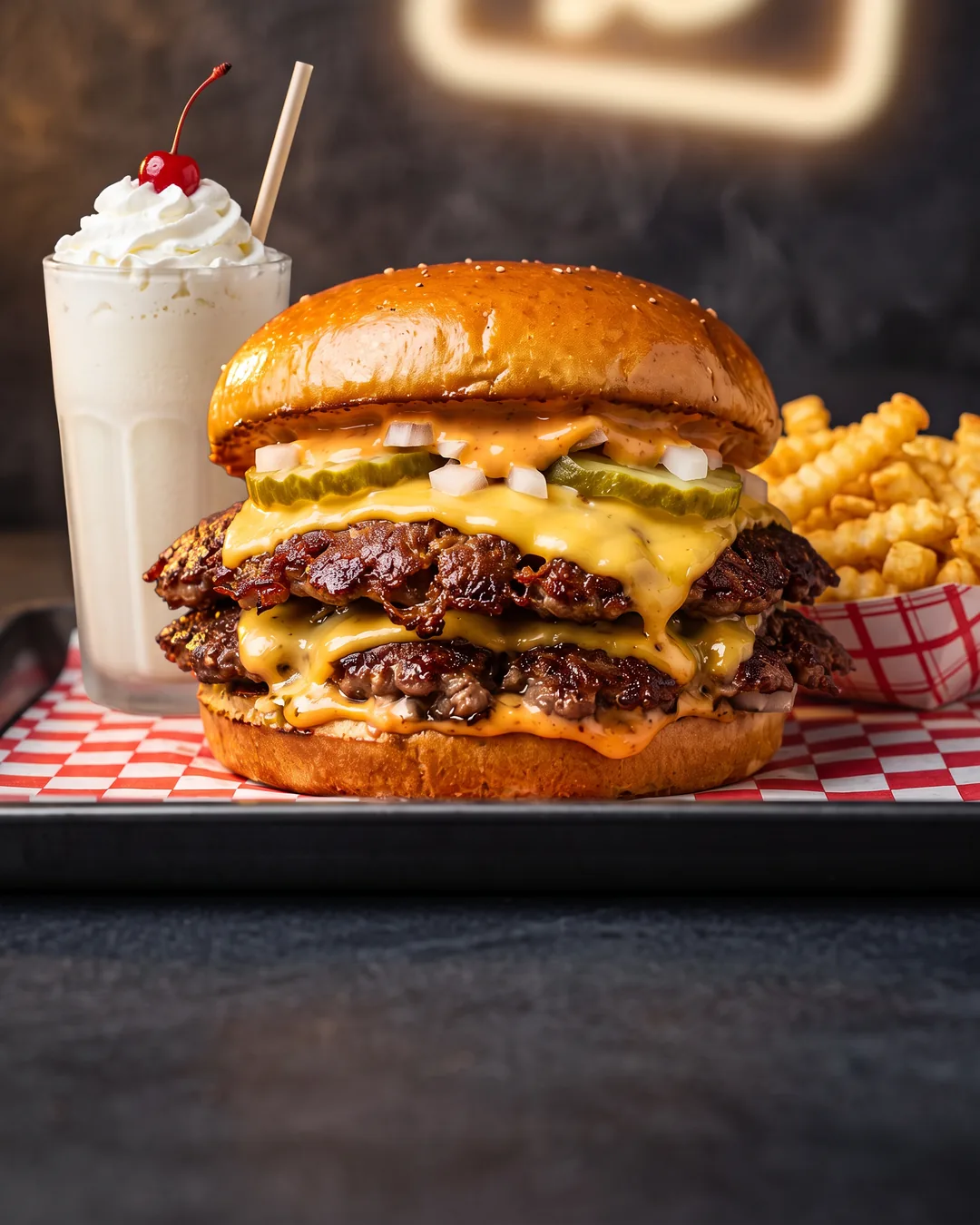
The Double Smash is here
Two patties. Zero shortcuts.
- Why
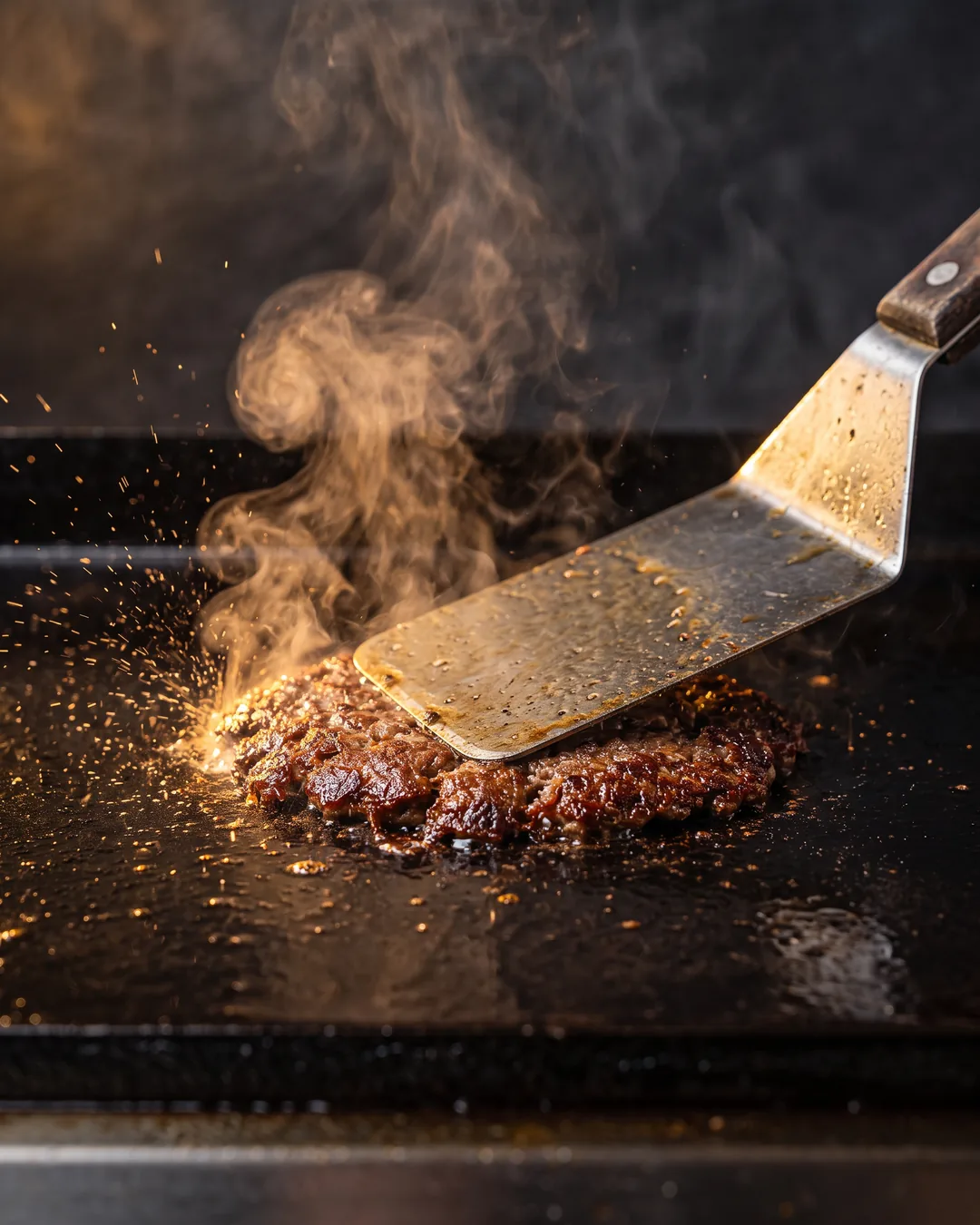 STACKHOUSE
Smashed on a 500° flat-top
That crispy edge is the flavor
- How
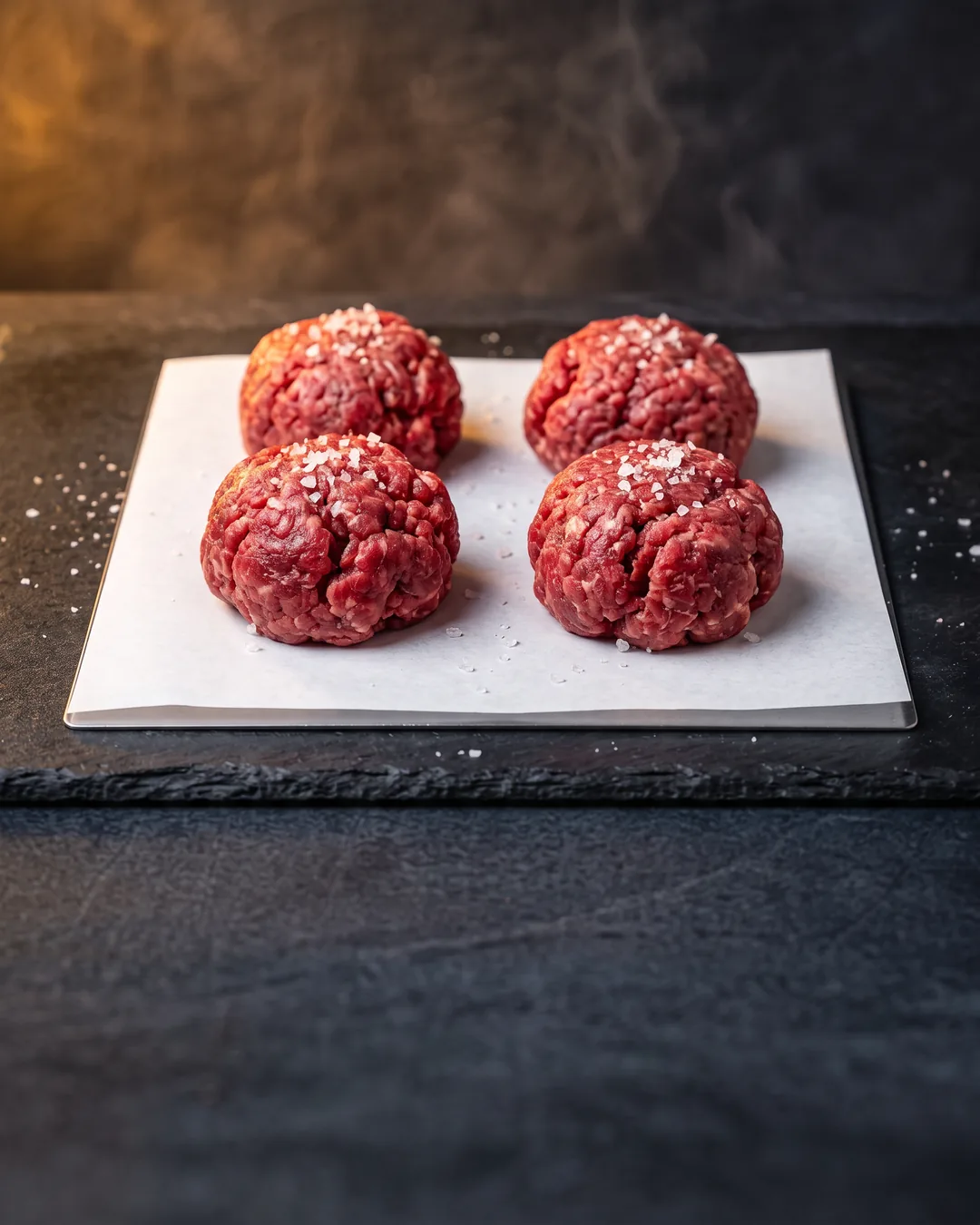 STACKHOUSE
Fresh beef. Never frozen.
Ground in-house every morning
- How
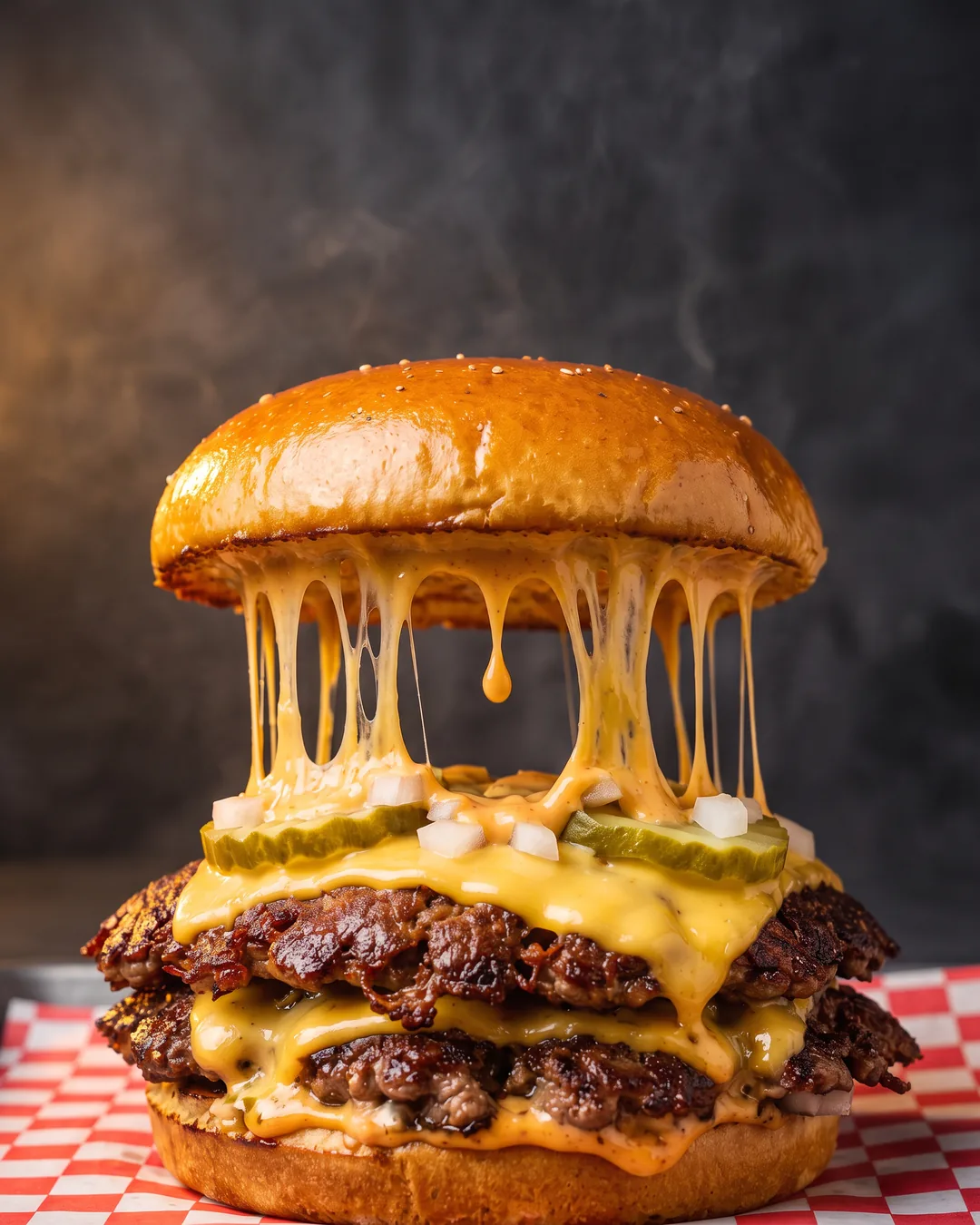 STACKHOUSE
Real American cheese
Two slices, melted till it drips
- Close
 STACKHOUSE
$2 off all week
In the app or at any Stackhouse
Order now
- Hook
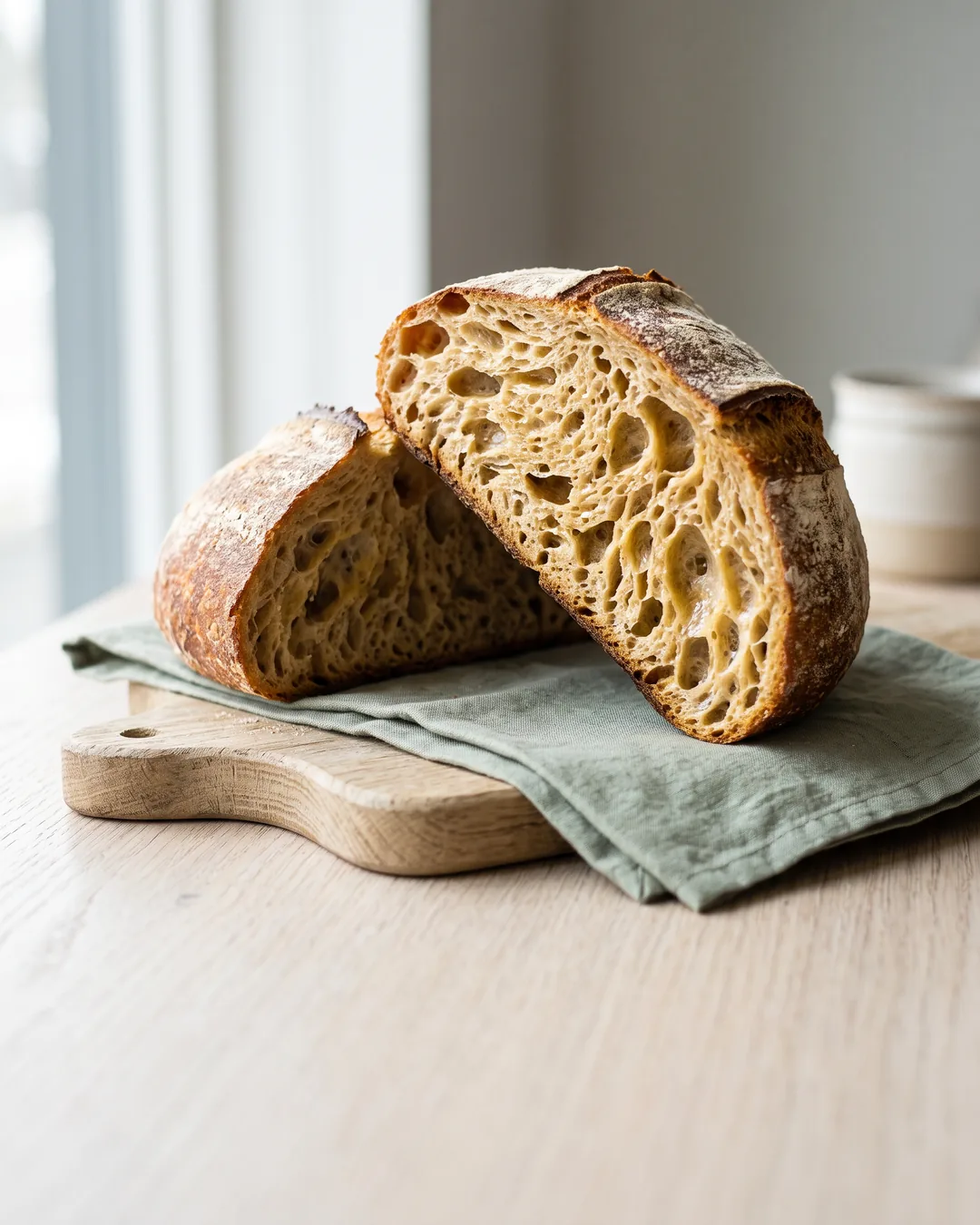 Fern & Flour
An open crumb is not luck
- Why
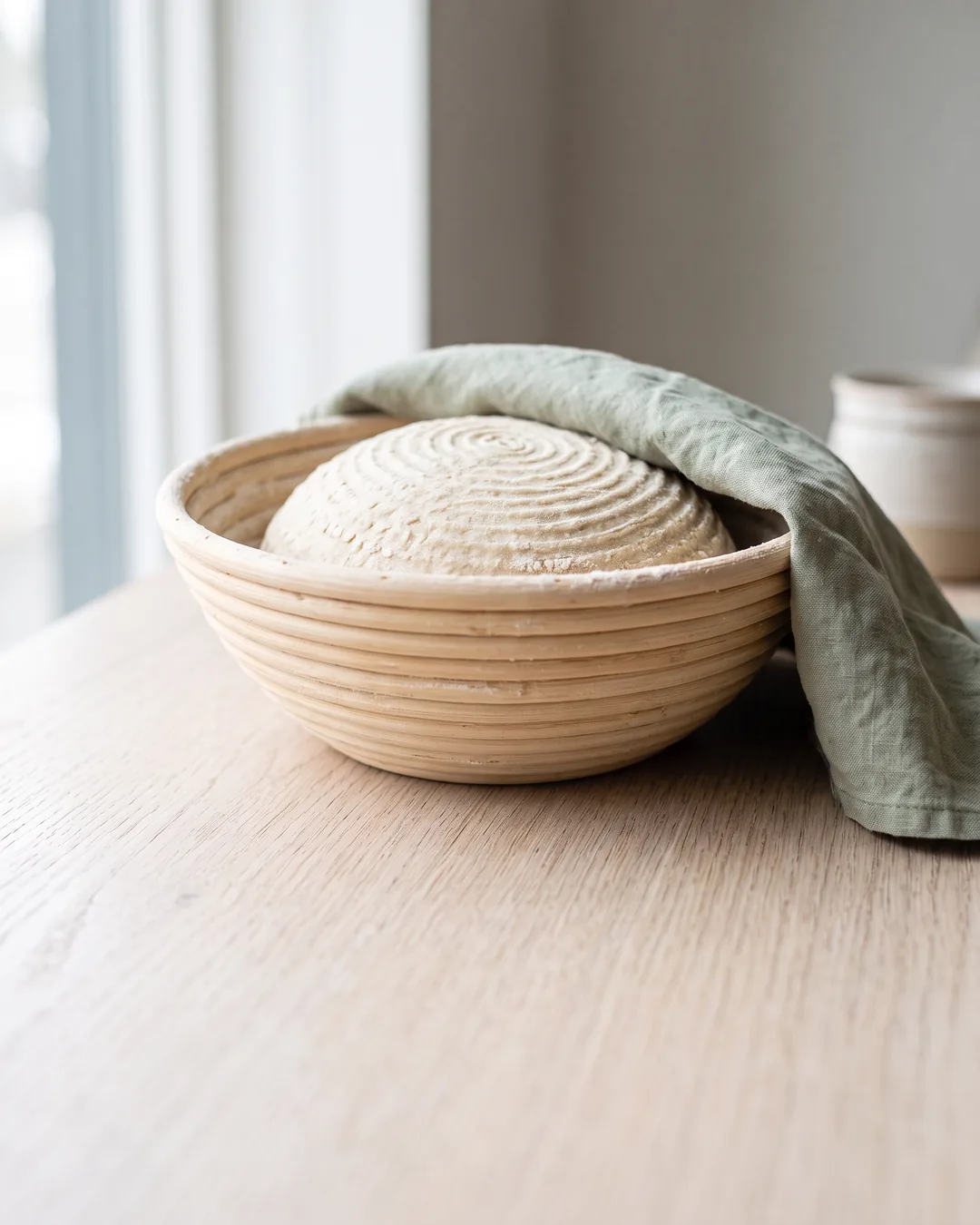 Fern & Flour
It starts with a slower proof
- How
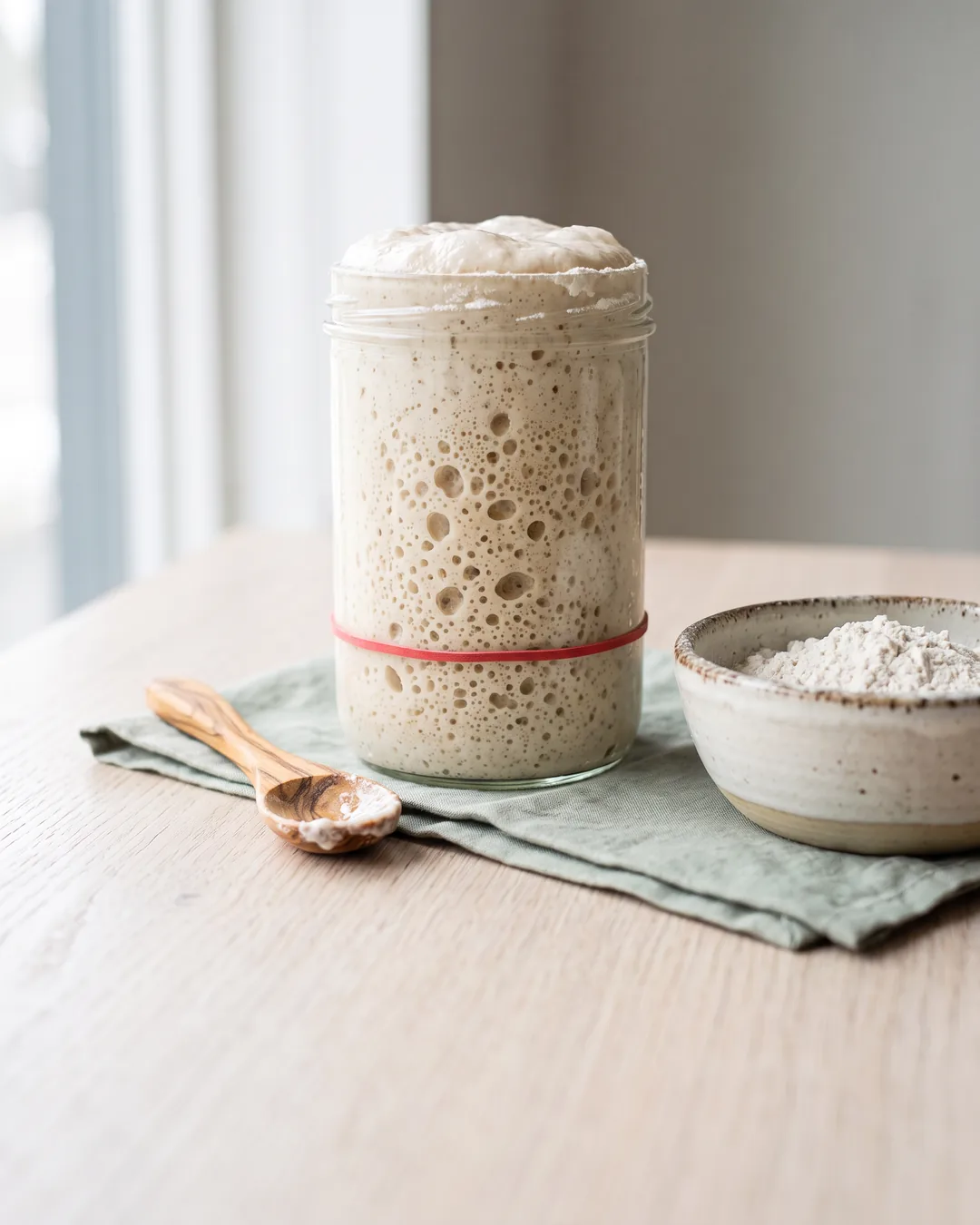 Fern & Flour
Feed the starter twice, not once
- How
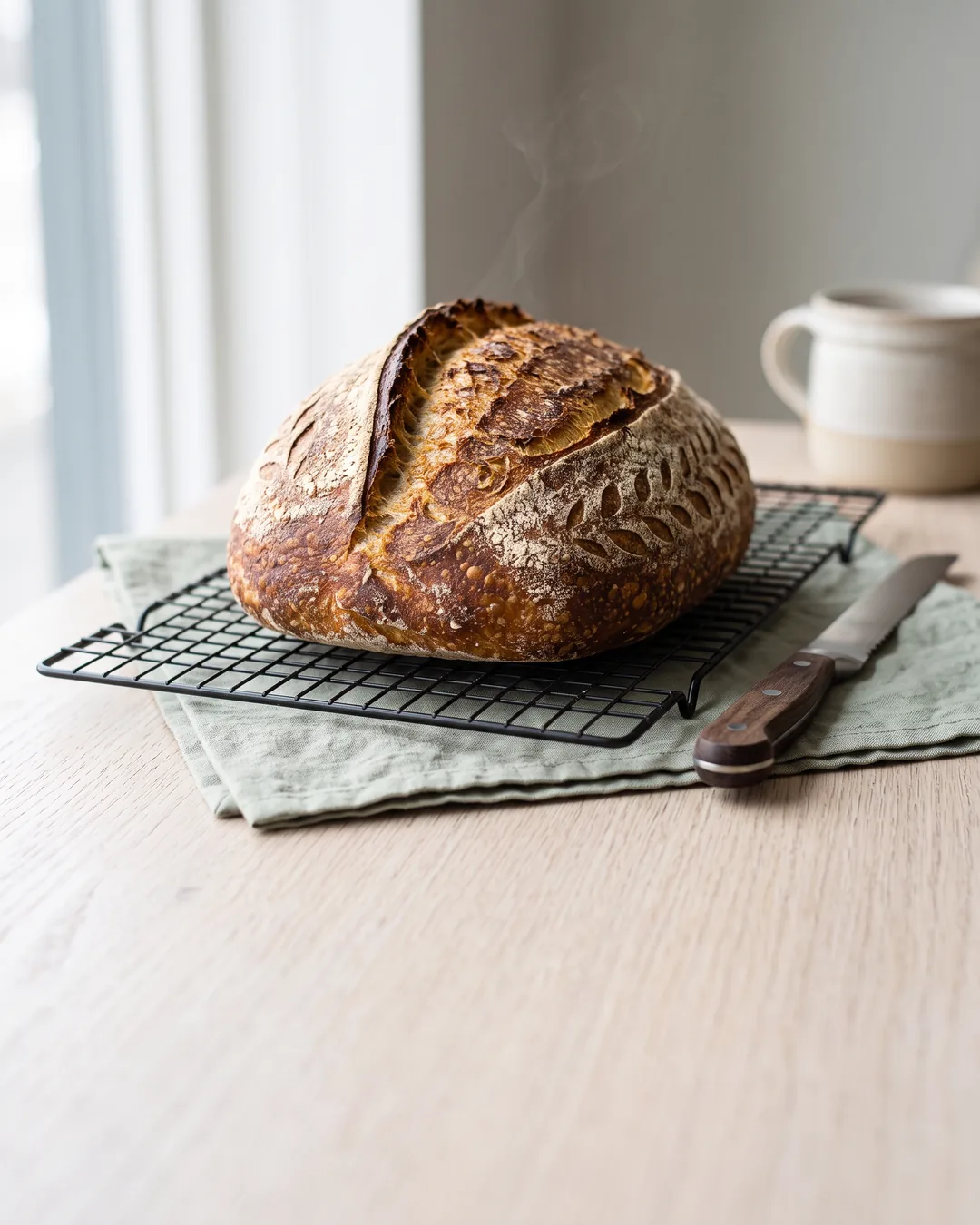 Fern & Flour
And let it rest before you cut
- Close
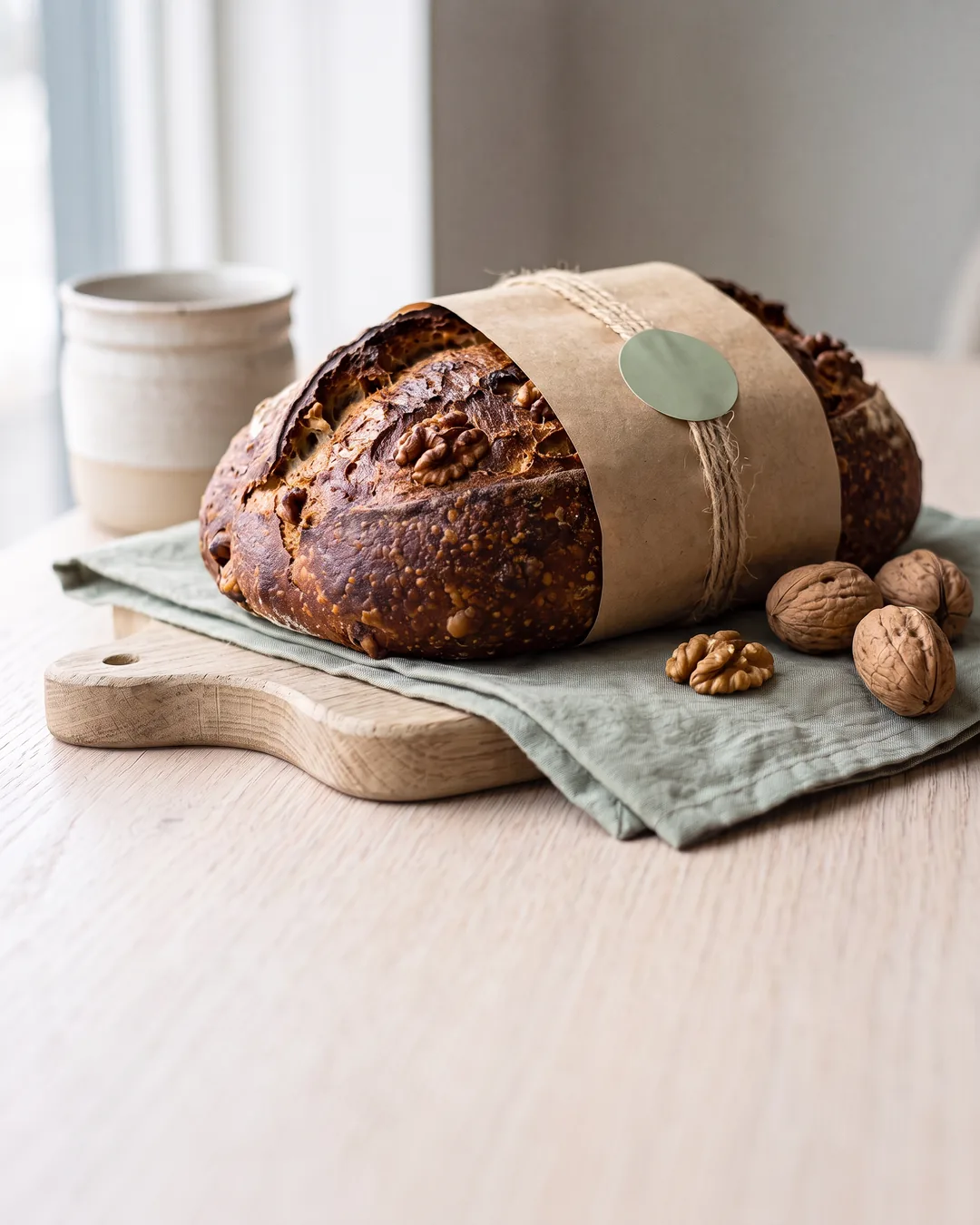 Fern & Flour
Walnut loaf is back
Pre-order for Thursday
AI carousel generator
A deck, not a pile of slides
Beevi is an Instagram carousel maker that works like a designer who already knows your brand. It plans the sequence first — hook, body, close — then writes every slide and designs it in your colours, fonts and logo. You approve before anything posts.
- Three to ten slides, in order. Five by default. Slide one earns the swipe; the last one tells people what to do next.
- Made in your colours, with your logo. Palette, fonts and logo come from Your Brand. Saved templates keep every deck looking like the same studio made it.
- Any look, still yours. Bold promo panels, soft editorial photography or clean type-only slides. Describe the style once, or save a template.
- Real text, not painted-on letters. Choose live text and the words sit over the photo in your brand font — no misspelled AI lettering, and you can retype or move any line later.
- Your real photos. Point it at your product shots and it puts the right one on each slide.
- Fix one slide, keep the rest. Rewrite the words, redesign the look, or both. Every other slide stays exactly as it was.
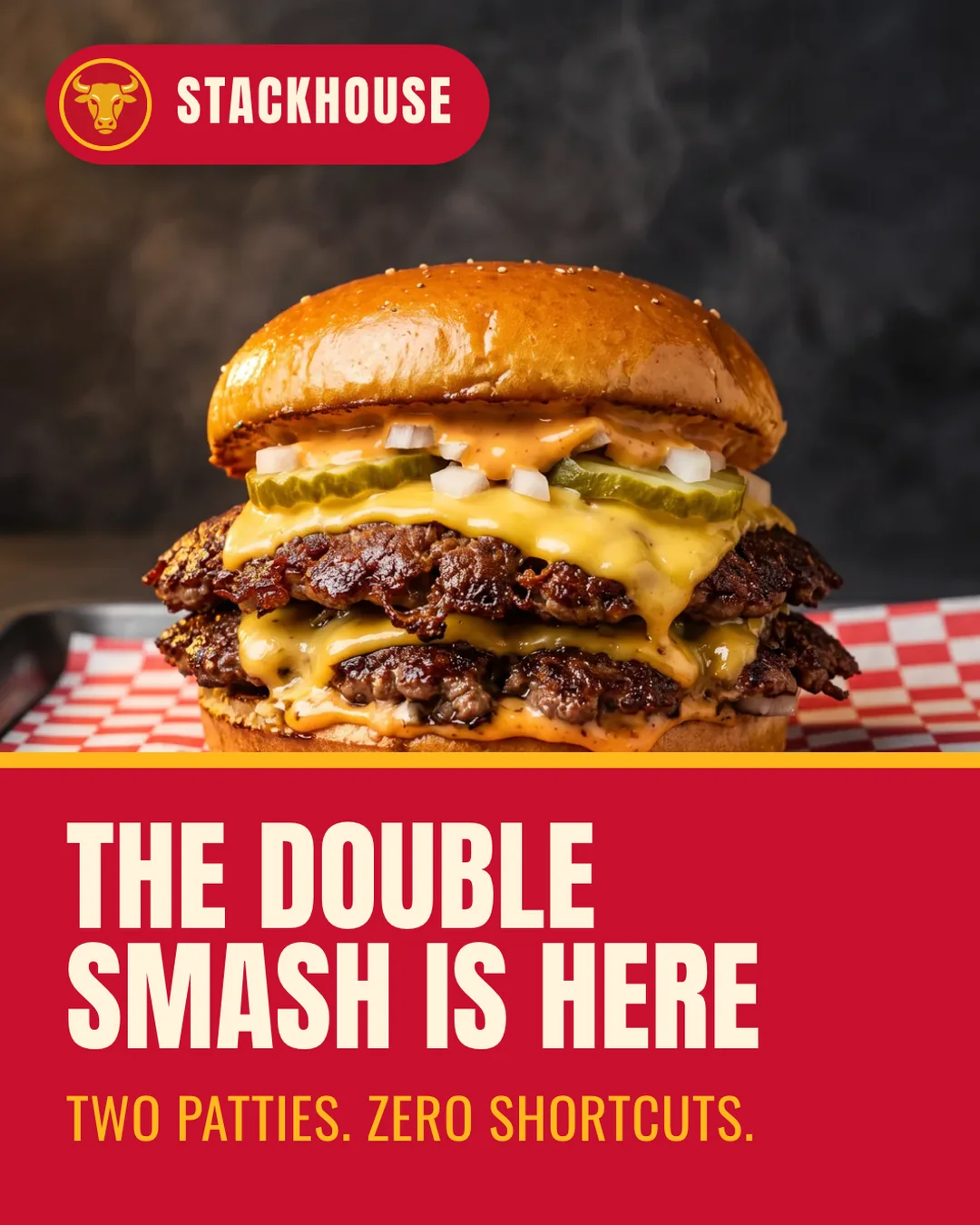
Stackhouse Burger Co.two patties. zero shortcuts. 🍔 the double smash is here — swipe to see how that crust happens 👉 $2 off all week in the app. #smashburger #burgers
Carousels that follow trends
This week’s trend, turned into a deck
Every week Beevi’s Compass reads what’s moving in your niche and hands each signal over with an angle written for your brand. Pick one, say “make it a carousel”, and the deck is built around it.
- Rising searches in your niche, each with a post angle for your business
- Relevant news and upcoming dates, surfaced before they arrive
- One sentence to the Assistant turns any of them into a finished deck
- Still your call: every trend deck lands in Approvals like any other post
How it works
How the Instagram carousel maker works
It isn’t a side app. Carousels live in the same week Beevi already drafts for you, next to your other posts.
Give it a topic
Type one line, pick a trend from this week’s Compass, or just ask the Assistant. Choose three to ten slides.
Review the deck
Every slide arrives written and designed. Rewrite or redesign any one of them; the rest stay exactly as they are.
Approve and it posts
Attach it to an Instagram or LinkedIn post, approve each platform, and it publishes on its slot in the planner.
Built for Instagram and LinkedIn: image slides in the Instagram feed, a document people page through on a LinkedIn profile or Company Page. How scheduling works.
The honest comparison
Canva designs the slides. You still write the story
A carousel takes an evening: pick a topic, work out what ten slides should say, write each one, then fight a template until it looks like you. Design tools help with the last part. The first three are still yours.
| The job | Canva and template tools | Beevi |
|---|---|---|
| Where the idea comes from | You | Your brand, your market, this week’s trends |
| Slide copy | You write each slide | Written as one sequence |
| Colours, fonts, logo | Set up a brand kit, apply it per design | Already known from Your Brand |
| Changing one slide | Edit it by hand | Rewrite or redesign it in place |
| Getting it posted | Export, upload, schedule elsewhere | Approve it. It posts. |
Love pixel-level design? Keep your design tool for the final polish. Most owners find they don’t need it.
Straight answers
Carousel questions, answered
What is an Instagram carousel maker?
Can it make LinkedIn carousels?
Where do the carousel ideas come from?
Will the carousels use my brand colours and logo?
Can I choose the carousel style?
Can I use my own photos?
Do carousels post automatically?
Can I change one slide without redoing the whole carousel?
How many slides can a carousel have?
Which plans include carousel generation?
Plans and credits are on the pricing page. Running Instagram on your own? Read Instagram automation for small businesses.
Seven days, no card
Your first carousel is already in the queue
Sign up, give Beevi your website, and your first batch of drafts includes a carousel made for your brand. Connect Instagram or LinkedIn, approve it, and watch it land in your planner.
Nothing publishes without your approval.