The best chiropractic social media post ideas fall into five groups: 40% everyday posture and movement tips, 20% myth vs. fact answers, 15% "what happens at your first visit" posts, 15% team and local community posts, and 10% patient stories shared with written permission. Post three or four times a week from these groups and your feed answers the questions people ask before they book. You can run most of this plan without a single patient photo.
Most chiropractic pages go quiet for the same reason. The doctor is with patients all day, the front desk is busy, and nobody knows what is safe to post. So the page shows one holiday graphic a month and a stock photo of a spine model.
People do not pick a chiropractor from a stock photo. They pick the office that answered their question about desk pain, explained what an adjustment feels like, and showed a friendly team before they ever walked in. (We build Beevi, an AI social media manager that writes, designs, and posts across six platforms, and nothing goes live without your approval. You can create your first posts free, or use the 40 ideas below on your own.)
The 5-group mix for chiropractic offices 🗂️
A good chiropractic feed teaches first and asks for the booking last. When every post is a new-patient special, followers scroll past. When most posts help with real, everyday problems, the right local people start to trust you.
| Content group | Share of your posts | Best format | Needs written patient permission? | Main job |
|---|---|---|---|---|
| 1. Everyday posture and movement tips | 40% (about 2 posts a week) | 5-slide carousel or 30-second video | No | Be useful to people who are not patients yet |
| 2. Myth vs. fact and common questions | 20% (about 1 post a week) | Short video or question card | No | Clear up fears that stop people from booking |
| 3. First visit and how care works | 15% (2 to 3 posts a month) | Walkthrough video or carousel | No | Remove the fear of the unknown |
| 4. Team, office, and local community | 15% (2 to 3 posts a month) | Staff photo, Reel, or partner post | No (team only) | Put real faces on the practice |
| 5. Patient stories and reviews | 10% (1 to 2 posts a month) | Review card or short story | Yes, always | Show real experiences, shared with consent |
Rule of thumb: if a post could only work by naming or showing a patient, it belongs in group 5 and needs a signed form. Everything else can go out this week.
Group 1: Everyday posture and movement tips (Ideas 1 to 14)
These are the posts people save and send to a friend. Each one answers a question your team hears at the front desk every day. Turn them into five-slide carousels with an Instagram carousel maker, or film a 30-second clip before the first appointment of the day.
Desk, phone, and car posts (Ideas 1 to 6)
- 1. The three-minute desk setup. Screen at eye level, feet flat, hips a little higher than knees. Slide 1 hook: "Your neck is reading this post right now. Here's how to make that easier on it."
- 2. Phone neck, explained with a bowling ball. Hold a ball out in front of you to show why looking down for hours feels heavy. Keep it simple and visual.
- 3. The kitchen-table laptop fix. Many people still work from home on a dining chair. Show a stack of books, a cheap keyboard, and a cushion that change the setup in five minutes.
- 4. Car seat and steering wheel check before a long drive. Post it before school holidays and long weekends, when families are on the road.
- 5. Standing desk, the right way. Standing all day is not the fix either. Show a simple sit-stand rhythm and a reminder to move.
- 6. The 30-minute stand-up rule. One slide, one rule, one photo of a timer on a desk. Short posts like this get saved.
Sleep, lifting, and family posts (Ideas 7 to 14)
- 7. Sleeping positions people ask us about. Side, back, and stomach, with pillow tips for each. Avoid promising that a position "fixes" pain. Say what tends to feel better and when to get checked.
- 8. How to pick a pillow without spending a fortune. A quick video at a store shelf or with three pillows from the office.
- 9. Lifting a heavy box the way most people were never taught. Film a team member moving a box in slow motion. Add a funny line like "Move the couch without meeting us next week."
- 10. The backpack check for kids. Two straps, tight to the back, not too heavy. Post it every August when school starts.
- 11. Carrying a toddler or car seat without twisting. New parents love practical tips that fit into a busy morning.
- 12. Stretch of the week. One gentle stretch per post with a short demo. Make it a series so followers know to come back.
- 13. Shoes for long shifts. Nurses, teachers, and retail staff stand all day. Ask your team what they wear and why.
- 14. Weekend warrior warm-ups. Before the local fun run, ski trip, or pickleball season, share a five-minute warm-up routine.
Keep every tip gentle and general. End with "If something hurts, get it checked" rather than a promise that a stretch will cure anything.
Group 2: Myth vs. fact and common questions (Ideas 15 to 22)
These posts answer the doubts that keep people from calling. Film the doctor answering one question per video in a quiet room. Keep the tone calm and honest, not defensive.
15. "Is that cracking sound my bones?" Explain in plain words that the pop is usually gas releasing from the fluid around the joint, not bones grinding. This is the question almost every first-timer has.
16. "Once I start, do I have to come forever?" Explain how care plans are set, reviewed, and ended. Being honest that patients can and do finish care builds trust.
17. "Do I need a referral?" Answer for your state and the insurance plans you accept. Keep it local and specific.
18. "Do chiropractors only treat backs?" List what your office actually sees and does. Stay inside your scope of practice and your state rules.
19. "Is it normal to feel sore after a visit?" Explain what is common and when to call the office.
20. "Heat or ice?" A favorite question with a short, careful answer. Remind people that it depends on the person and to ask their own provider.
21. "What's the difference between a chiropractor and a physical therapist?" A friendly, respectful answer. Bonus points if you refer to a local PT you trust.
22. "When should I see a doctor instead?" This one feels risky, but it is the post that shows you put patients first. Name the warning signs that need urgent medical care.
Group 3: First visit and how care works (Ideas 23 to 28)
Fear of the unknown keeps more people away than doubt does. These posts show exactly what happens, step by step.
- 23. Your first visit, minute by minute. History, exam, any imaging decisions, and what a first adjustment looks like. A one-minute walkthrough video works well here.
- 24. What to wear to an appointment. Short and practical. People really do search for this.
- 25. What paperwork to bring, and what you can fill in online. Link to your intake form in the caption.
- 26. Meet the tools. What a drop table or an activator is, and why the doctor might use one over another. Mystery is friction.
- 27. How long a visit takes. Busy parents and workers want to know if they can fit you into a lunch break.
- 28. How to check your insurance before you book. A simple three-step card that saves your front desk a phone call.
Group 4: Team, office, and local community (Ideas 29 to 36)
People want to know who will be in the room with them. These posts make your office feel like part of the neighborhood.
- 29. Meet the doctor. Why they chose chiropractic, where they trained, and one personal detail (the dog, the marathon, the garden).
- 30. Meet the front desk. The person who answers the phone is often the first face a new patient sees. Give them a post.
- 31. A day in the office. Morning setup, clean tables, the coffee order. Short behind-the-scenes clips feel real.
- 32. Local partner shout-out. The gym, yoga studio, running club, or healthy cafe next door. Tag them so they share it with their followers.
- 33. Community event recap. A posture check booth at the farmers market, a talk at a local business, or a youth sports sponsor.
- 34. Seasonal local posts. Snow shoveling tips in winter, gardening tips in spring, travel tips before the holidays. Our free social media holiday calendar helps you plan these dates ahead.
- 35. Office milestones. Five years in the neighborhood, a new team member, or a renovated waiting room.
- 36. Thank-you posts. A simple thank-you to patients during the holidays, with no patient names or photos.
Group 5: Patient stories and reviews, shared with permission (Ideas 37 to 40)
These are the most persuasive posts, and the most sensitive. Get written marketing permission first, every time, and never share health details a patient has not agreed to share.
- 37. Review card of the month. Turn a public Google review into a branded card, with the reviewer's written OK.
- 38. A patient's own words. A short video where a patient, who has signed a release, talks about why they came in and what the visits were like. Let them speak. Do not script medical results.
- 39. Care plan milestone. A patient finishes a care plan and is happy to celebrate on camera. Keep it about the experience, not a promise of outcomes.
- 40. Referral thank-you. "Many of our new patients this month came because a friend sent them. Thank you." No names needed.
A simple Monday-to-Friday posting rhythm 📅
You do not need to post every day. Three or four posts a week is plenty for most offices. Here is one rhythm that fits around a full schedule:
| Day | Group | Example post | Format | Who checks it |
|---|---|---|---|---|
| Monday | Posture and movement tip | The three-minute desk setup (Idea 1) | 5-slide carousel | Front desk or marketing lead |
| Tuesday | Myth vs. fact | "Is that cracking sound my bones?" (Idea 15) | 30-second video | Doctor |
| Thursday | First visit or team | Meet the front desk (Idea 30) | Photo or Reel | Office manager |
| Friday (optional) | Local community or review | Local partner shout-out (Idea 32) | Photo with tag | Office manager |
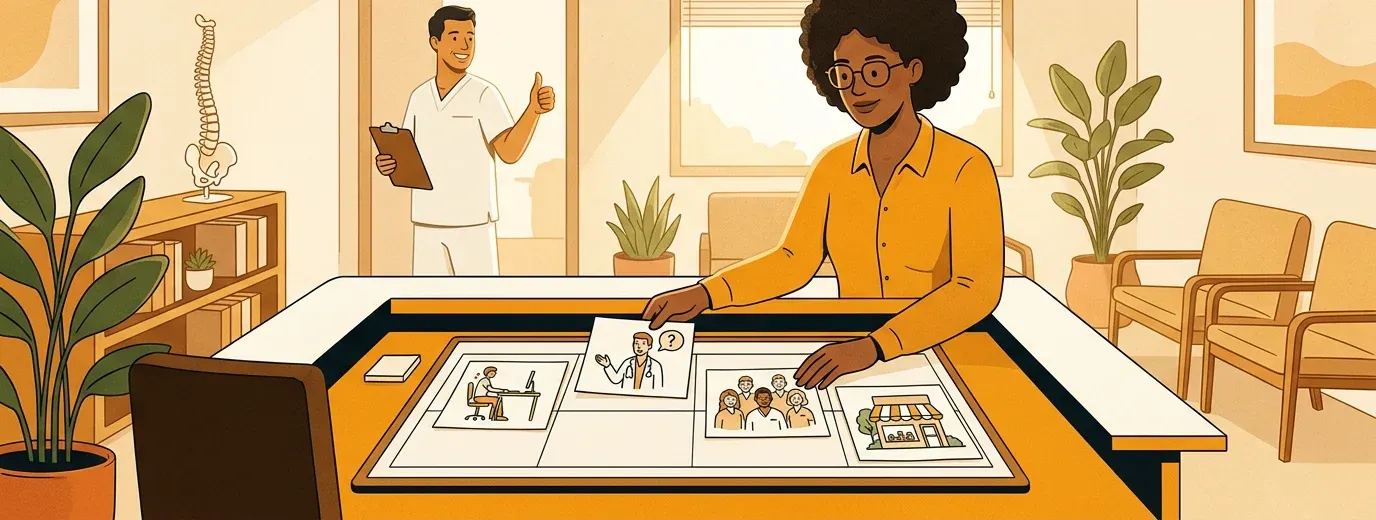
Batch the week in one sitting. Write the four captions on Monday morning, have the doctor check the two health posts, and schedule them all at once with a social media scheduler. If you want to plan a full month, our guide to building a social media content plan walks through it.
Patient privacy and advertising checklist (before you post) ✅
Health offices have to be more careful than a coffee shop. This is not legal advice, so check with your state board and your own advisor, but these five rules keep most offices out of trouble:
- Get written marketing permission before you share any patient photo, video, name, or story. A verbal yes in the room is not enough. The HHS HIPAA Privacy Rule guidance explains when marketing uses need a patient's written authorization.
- Check the background of every photo and video. No schedules, screens, X-rays with names, or patients in the waiting room.
- Never reply to a review with patient details, even to defend yourself. Thank them and invite them to call the office.
- No promises of results. Avoid "cures", "fixes", or "guaranteed" in captions. Explain what you do and let patients decide.
- Follow your state board's advertising rules for things like new-patient offers and before-and-after content. The American Chiropractic Association is a good starting point for professional standards.
Worked example: a week of posts in 15 minutes ⏱️
Here is a made-up example to show the flow. "Northside Family Chiropractic" is a two-doctor office with one office manager who also handles social media.
On Monday morning, the office manager opens Beevi. It has already drafted the week from the office's services, tone, and photos: a desk setup carousel, a myth vs. fact video script for the doctor, a meet-the-team post, and a shout-out to the yoga studio next door. She swaps one stock-style image for a real photo of the front desk and edits one caption so it sounds like the doctor.
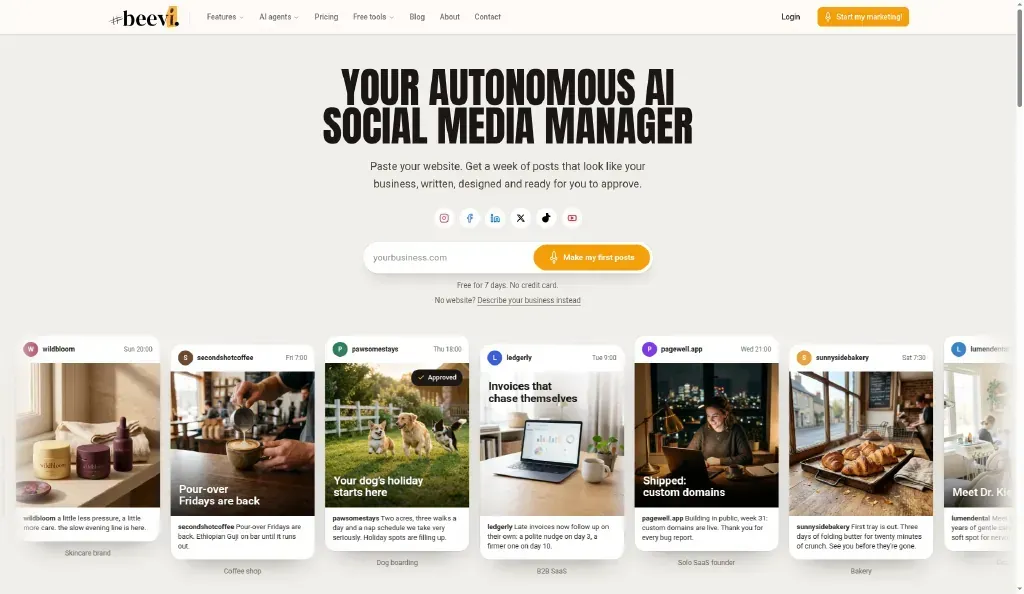
Then comes the safety check. She sends the two health posts to the lead doctor through Beevi approvals. Between appointments, the doctor reads them on her phone, fixes one word, and taps approve. Only then do the posts go into the schedule across the office's connected accounts.
Beevi writes, designs, and posts across six platforms: Instagram, Facebook, LinkedIn (personal profile and Company Page), X, TikTok, and YouTube. You can connect one account per platform in each workspace, and every plan includes approvals. If two doctors and an office manager all need access, the Local Business plan has up to 5 seats. See current plans on the pricing page.
You can see how this works for your own office when you create your first posts free during onboarding.
Start with three posts next week
You do not need all 40 chiropractic social media post ideas at once. Pick one posture tip your team explained today, one honest answer to a question patients ask, and one friendly photo of your team. Put those three on the calendar, have the doctor check the health post, and keep going for a month.
Looking for more ideas for health offices? Our list of dental and medical clinic social media post ideas covers clinic-wide posts, and the what to post today tool gives you a quick idea when you're stuck.
If you want help that drafts the week in your office's voice and waits for your approval before anything goes live, create your first posts free or compare plans on our pricing page. You can also read how Beevi handles small business social media management from start to finish.