Instagram for small business works best as a short written plan: one goal you can count, one audience sentence, three or four content pillars, a weekly rhythm with at least one Reel, and a fixed review slot so posts actually go out. Followers alone are not the goal.
Most small businesses do not need a 20-page Instagram playbook. They need a short plan they can open on Monday and still follow in week twelve, plus a clear picture of what that plan looks like for their kind of business. This guide gives you both: the five-step framework first, then a strategy by business type with post ideas and a sample week for seven common niches.
Disclosure: Beevi is our product. We mention it where it genuinely helps, and we list its limits too. Everything in this guide works without it.
The Instagram guides and tools in this series
This page is the Instagram plan for small business. When you need depth on one job, use the guide or tool for that job:
- Automation without losing the brand: Instagram automation for small businesses (content, visuals, approvals).
- Correct crops and sizes: the 2026 social media image sizes cheat sheet, including Instagram feed, Stories and Reels.
- Resize one photo for Instagram: free Instagram image resizer.
- Need post starters: free Instagram post ideas generator.
- Multi-slide posts: Instagram carousel maker.
- Cafes and restaurants on Instagram: coffee shop social media ideas and the restaurant social media hub.
Patterns that keep Instagram plans from working
Four traps show up again and again for small teams:
- Treating Instagram as the only channel without a written goal.
- Still photos only, while Reels are how new people find you.
- Plans stall at review, not at ideas. Put a weekly approval slot on the calendar.
- Too many goals at once (awareness, leads, sales, community). Pick the one that pays rent this quarter.
So this guide pushes you to pick one goal, add at least one Reel a week, and set a weekly review slot so posts actually go out.
Want the posting part handled? Start a 7-day free trial of Beevi, no card needed. 🐝
Step 1: Pick one goal Instagram can actually move
An Instagram marketing strategy for a small business answers five questions on one page:
- What should Instagram do for the business in the next 90 days?
- Who are we talking to?
- What will we post about (pillars)?
- Which formats do which jobs?
- How will we know it is working?
Followers alone are not the goal. Pick one outcome you can count: booking DMs, link taps to order, in-store visits that mention Instagram, quote requests, or newsletter signups. If you are tempted to pick three, pick the one that pays rent this quarter.
Then write your audience in one sentence. "Parents within five miles planning a birthday in the next month" decides captions, location tags and which Reel to film first far better than "everyone who likes cake."
Step 2: Make the profile sell in three seconds
Every Reel that travels sends strangers to your profile. Give them an answer before they bounce.
| Profile piece | What to do | Example |
|---|---|---|
| Name field | Business name + searchable niche or place | Rose Hill Bakery | Custom Cakes Austin |
| Bio (150 characters) | Who you help, what you offer, one next step | Fresh sourdough daily. Custom cakes in 48 hrs. Order below |
| Link | One primary action that matches the goal | Order form first |
| Contact buttons | Call, directions or book, if customers use them | Call + Directions |
| Highlights | Answers new visitors look for | Menu, Reviews, How to order |
| Pinned posts | Up to three: intro, proof, offer | Process Reel, review carousel, how to order |
Quick test: show the profile to someone who has never heard of you. If they cannot say what you sell and how to buy within a few seconds, fix the bio before posting more.
Step 3: Choose three or four content pillars
Pillars are recurring themes. They stop the feed from becoming a string of offers and make weekly planning fast.

| Pillar | Job | Example posts |
|---|---|---|
| Teach | Earn saves and shares | Myth vs fact, how-tos, mistakes to avoid |
| Prove | Build trust | Reviews, before/after, customer stories (with permission) |
| Behind the scenes | Feel human | Process, team, a normal morning |
| Offer | Turn attention into revenue | Launches, seasonal specials, limited slots |
Aim for roughly three value posts for every one offer. For deeper pillar theory, see social media content pillars for small business, and for a bigger idea bank, what to post on social media for business.
Step 4: Give each format a job
| Format | Best job | Practical tip |
|---|---|---|
| Reels | Reach people who do not follow you yet | Hook in the first 1-2 seconds; on-screen captions for silent viewers |
| Carousels | Teach, compare, earn saves | Strong first slide; one idea per swipe |
| Single photos | Show the product or result clearly | Natural light, one subject, no clutter |
| Stories | Daily trust with existing followers | Polls, questions, "slots left this week" |
| Highlights | Answer new visitors on autopilot | Prices, reviews, how to order, location |
If your feed is all photos (most are), the single highest-leverage change is one Reel per week. It does not need editing skill: a 20-second process clip with a caption on screen is enough. For tip lists and before/after sets, Beevi's Instagram carousel maker can draft multi-slide posts without rebuilding layouts each time.
Step 5: Run a weekly rhythm you can keep for 90 days
For most owners, three to four feed posts a week plus Stories on most days is realistic. Instagram does not publish a required frequency, and a pace you drop after two weeks teaches you nothing.
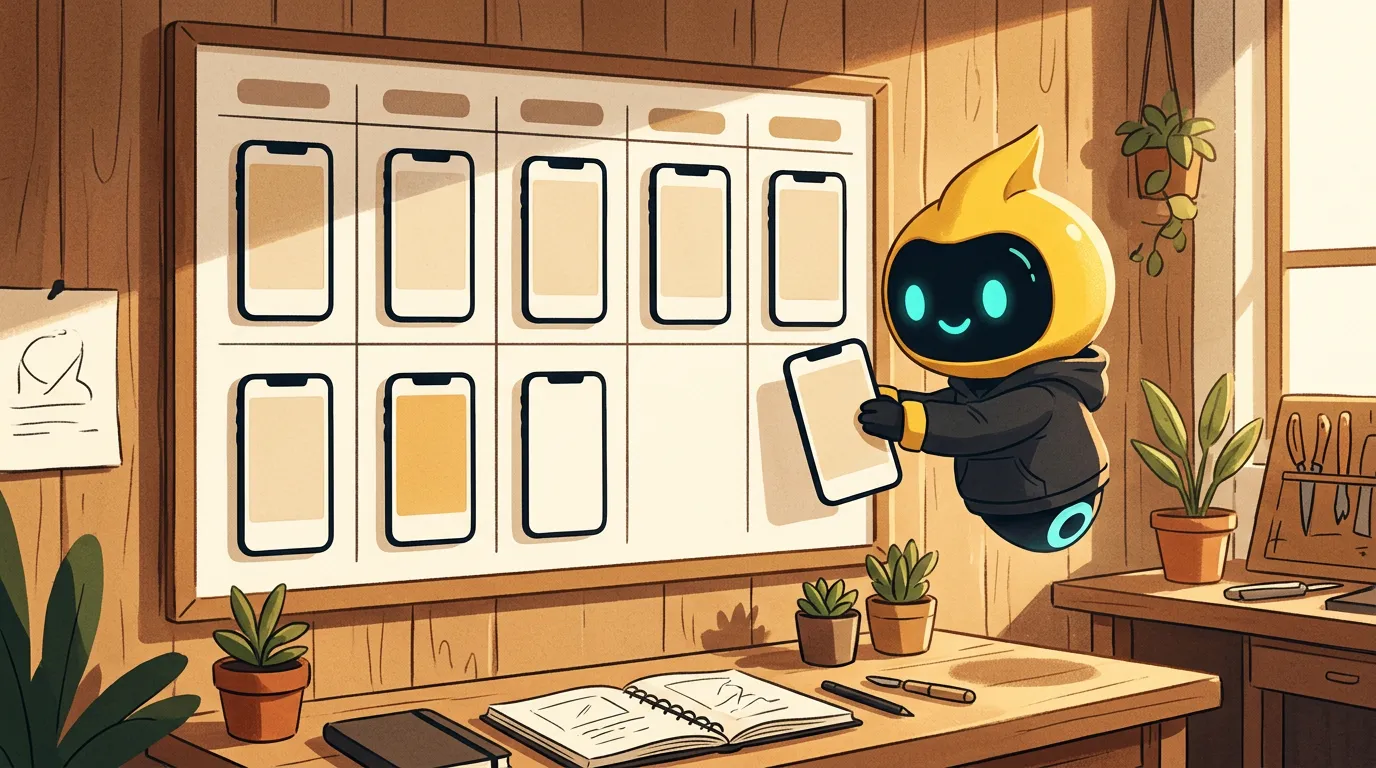
The routine that keeps plans from stalling:
- Plan (30 minutes, Monday): pick the week's posts from your pillars.
- Batch (1-2 hours, one day): film two or three clips, take photos, write captions in one sitting.
- Review (15 minutes, fixed slot): approve or fix everything at once. This is the step most plans skip, so put it on your calendar.
- Schedule feed posts, keep Stories for real-time moments, and reply to comments and DMs within a day.
Meta Business Suite is free for basic Instagram and Facebook scheduling. If you also post to LinkedIn, X, TikTok and YouTube, adapt each idea once rather than starting from zero per channel.
Instagram strategy by business type
The framework stays the same. What changes is the goal, the pillars that matter most and what you should film. Below are the seven business types we see most often, each with a sample focus. The businesses named are fictional examples.
☕ Cafes, bakeries and restaurants
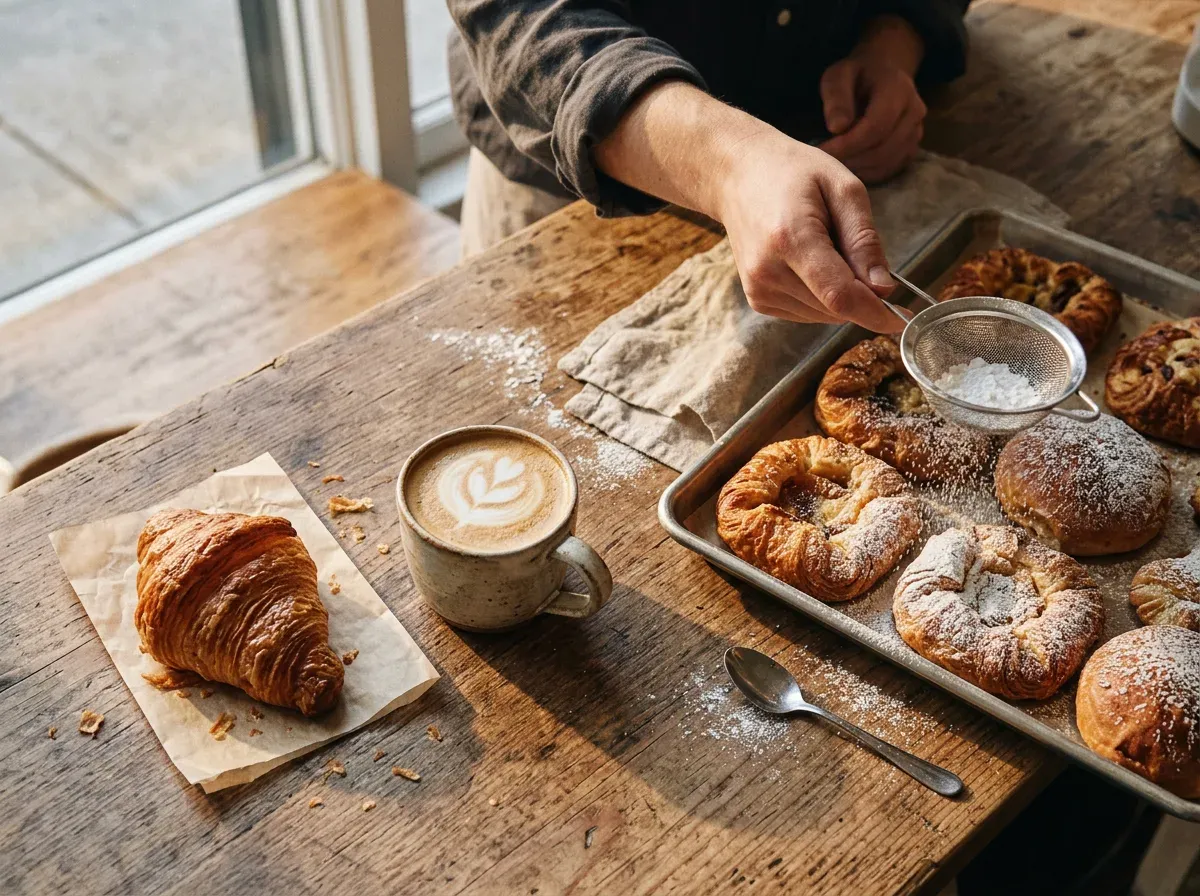
Goal: weekday footfall or pre-orders. Audience: people who live or work within a short walk or drive.
- What works: morning rituals, the first batch out of the oven, a new seasonal drink, the "regular's order," a myth-busting carousel ("what single-origin actually means").
- Formats: a process Reel each week, Stories at opening time, a carousel for the new menu or blend launch.
- Sample week (fictional "Juniper Street Bakery"): Mon Story poll on the weekend special; Tue Reel of shaping croissants; Thu carousel "how far ahead to order a cake"; Fri Story "last six loaves"; Sat customer photo (with permission).
- Watch: location tags, saves on menu posts, DMs asking "are you open?"
For more, see our coffee shop social media ideas and restaurant social media post ideas.
✨ Beauty, skincare and aesthetics
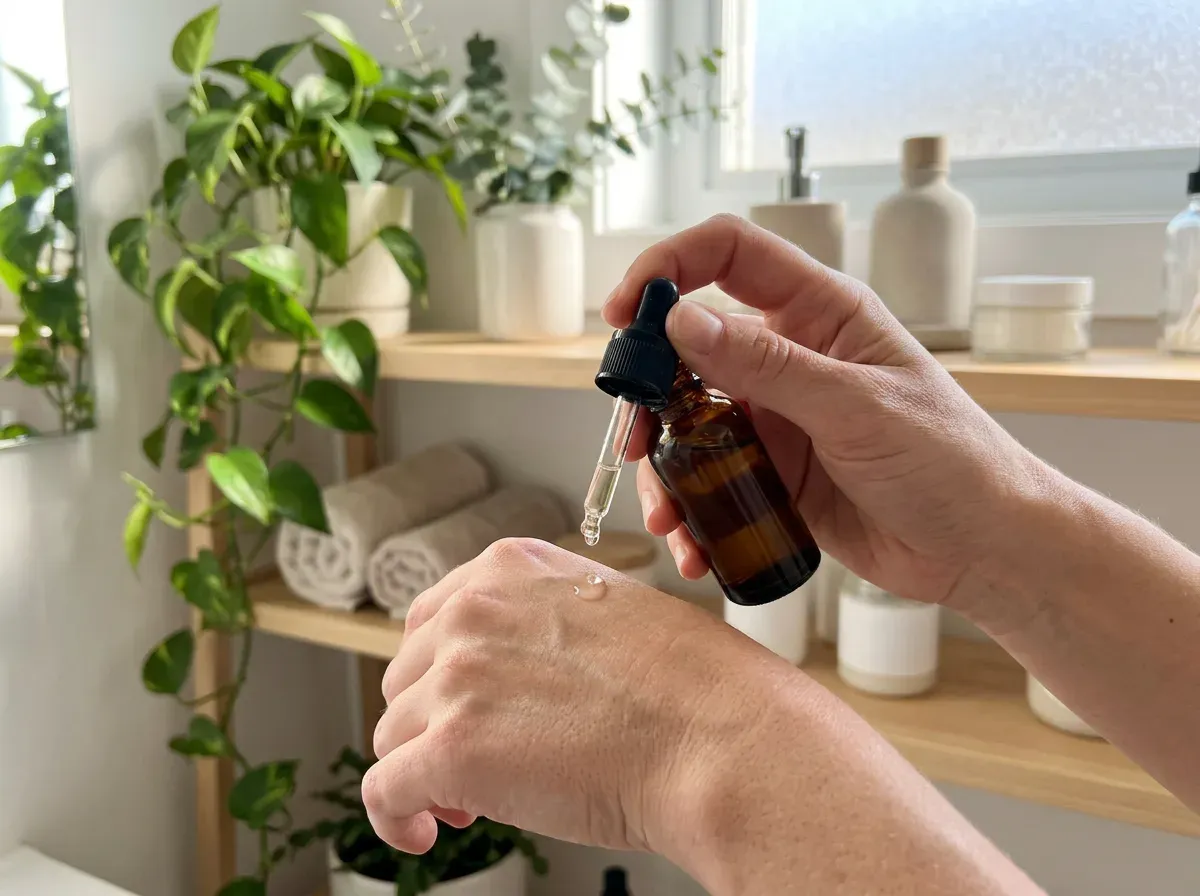
Goal: booked appointments or online orders. Audience: usually defined by skin concern and age range, not just "women who like skincare."
- What works: ingredient explainers, routine order carousels ("serum before or after moisturiser?"), texture close-ups, before/after with consent, the founder's story behind a formula.
- Formats: carousels for education (these earn saves), short texture or application Reels, Stories answering one question per day.
- Sample week (fictional "Lumen Skin Studio"): Mon carousel myth vs fact on retinol; Wed texture Reel; Thu client result with consent; Sat Story Q&A.
- Watch: saves, profile visits, booking link taps. Avoid medical claims you cannot back up.
📦 Product brands and online shops
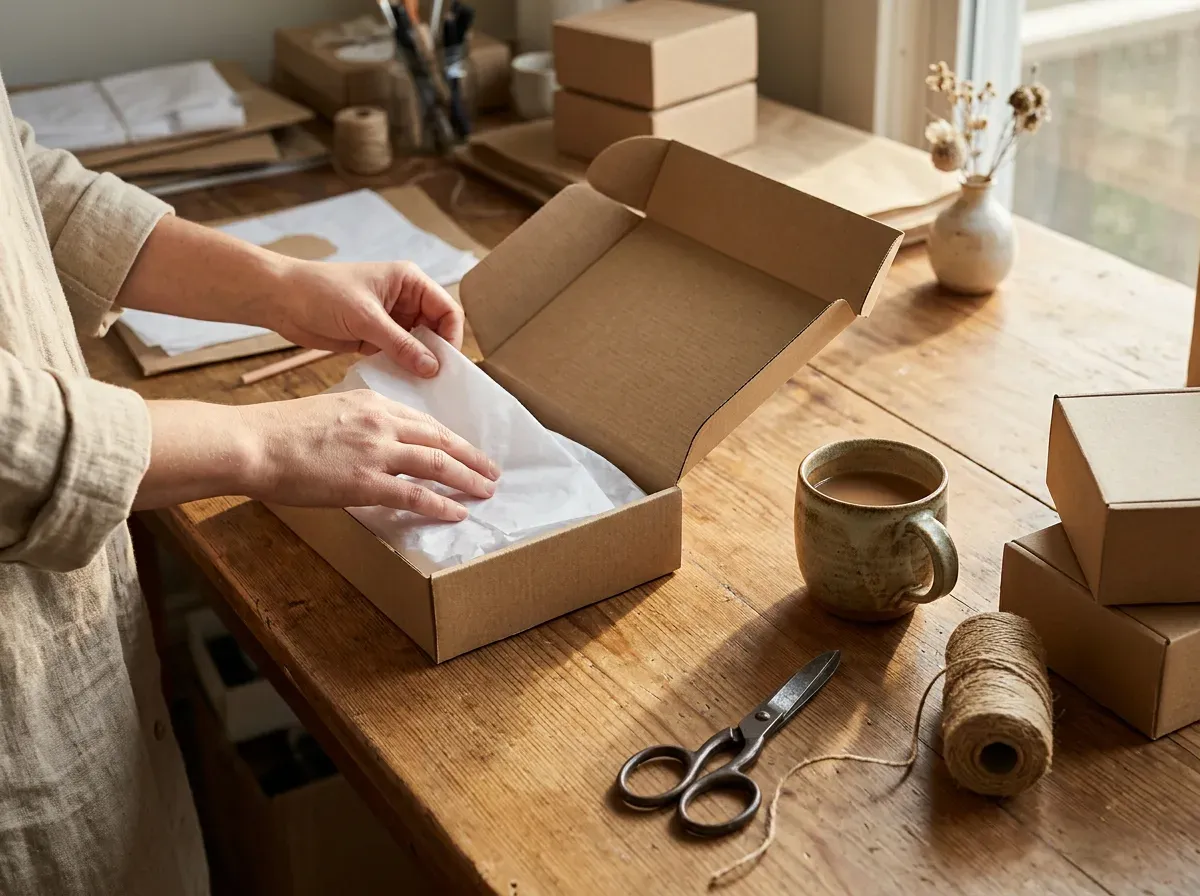
Goal: product page link taps or launch sales. Audience: defined by the problem the product solves or the identity it signals.
- What works: packing orders, how it is made, product in real use, launch countdowns, "three ways to use it," customer photos.
- Formats: product-in-use Reels, carousels for launches and comparisons, Stories with link stickers.
- Sample week (fictional "Fern & Kiln Ceramics"): Mon Reel of a glaze test; Tue carousel "which mug size fits you"; Thu customer photo; Fri launch countdown Story; Sun pack-an-order Reel.
- Watch: link taps, shares, and DMs asking about restocks. Keep product photos consistent so the feed reads like one brand.
🔧 Local home and trade services
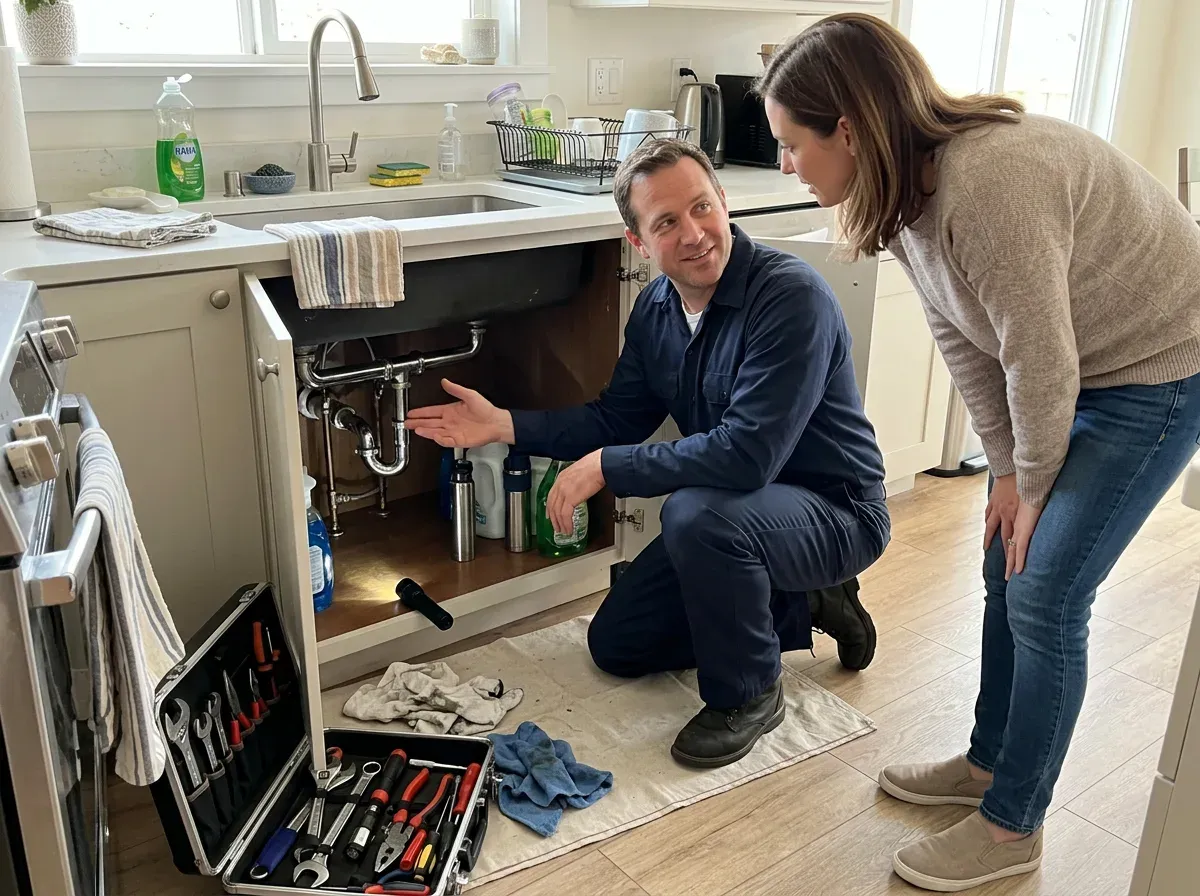
Goal: quote requests and calls. Audience: homeowners in your service area, often in a hurry.
- What works: before/after jobs, "what that noise means" explainers, a 30-second fix you can safely do yourself, seasonal checklists, meet-the-tech posts.
- Formats: before/after carousels, explainer Reels filmed on the job, highlights for service area, pricing approach and reviews.
- Sample week (fictional "Northside Plumbing"): Tue before/after carousel; Wed Reel "three signs your water heater is failing"; Fri review post; Stories from the van between jobs.
- Watch: calls and quote taps from the profile. Instagram rarely beats Google for emergencies, so treat it as trust-building for planned work.
🏡 Real estate, hospitality and travel
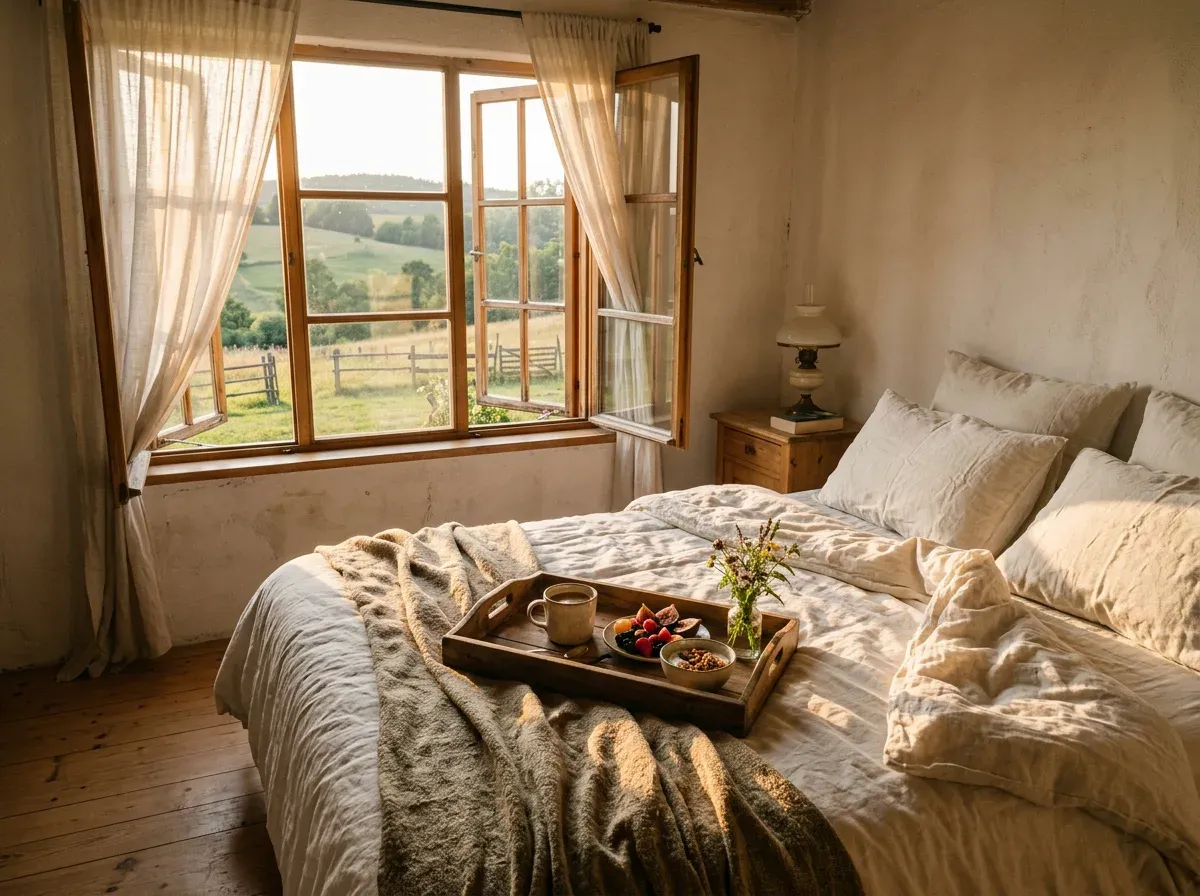
Goal: direct bookings or viewing requests. Audience: defined by trip type or buyer type (weekend couples, families relocating).
- What works: room or property walkthroughs, the view at golden hour, local guides ("five things within 20 minutes"), guest moments with permission, seasonal availability.
- Formats: walkthrough Reels, guide carousels that get saved for later, Stories with open dates.
- Sample week (fictional "Olive Hill Guesthouse"): Mon Reel morning walkthrough; Wed carousel local guide; Fri Story "two nights left in May"; Sun guest review.
- Watch: saves on guide posts, link taps to book, DMs about dates.
💪 Fitness coaches and wellness
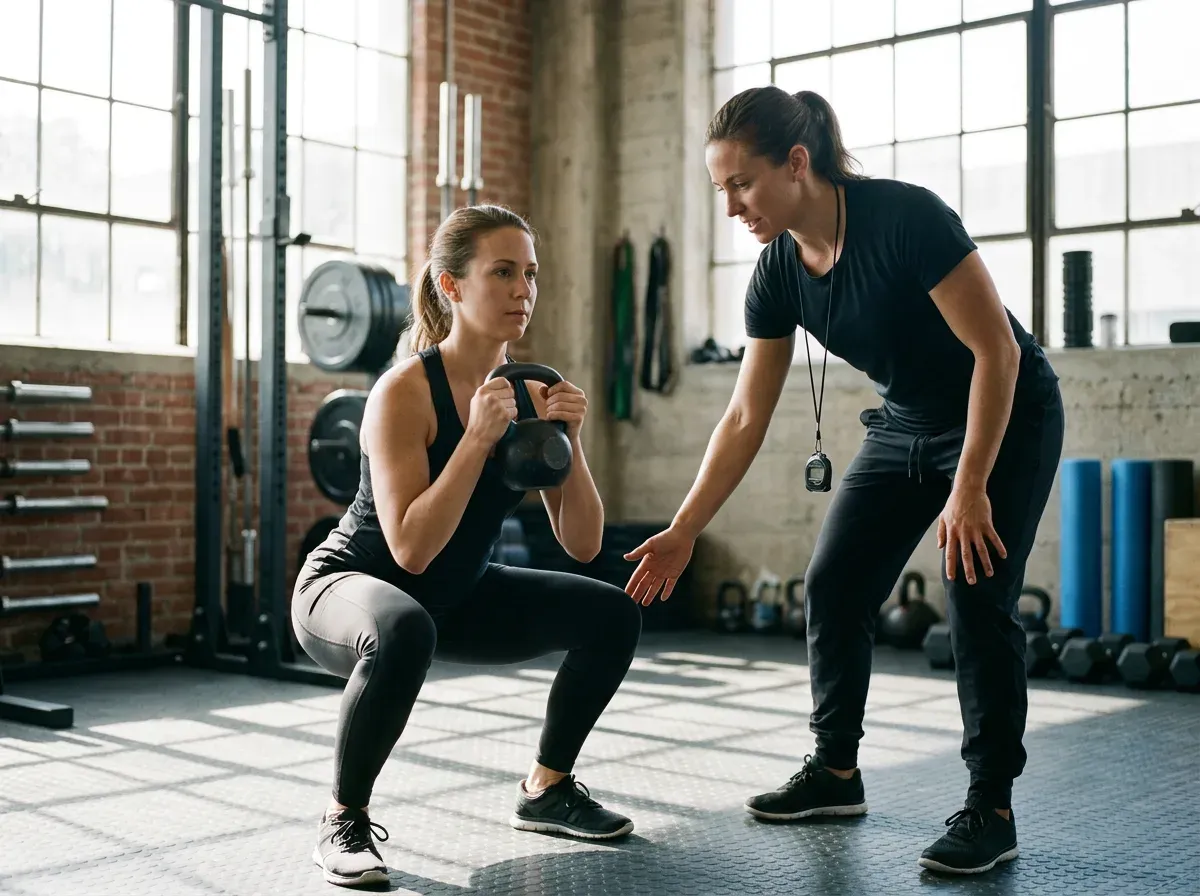
Goal: discovery calls or class signups. Audience: a specific person with a specific goal (busy parents getting strong, beginners over 40).
- What works: form corrections, client wins (with consent), a day of eating or training, myth-busting, short workouts people save.
- Formats: coaching Reels, save-worthy workout carousels, Stories with check-ins and polls.
- Sample week (fictional "Forge Strength Coaching"): Mon form-fix Reel; Wed carousel "a 20-minute home session"; Thu client story; Sat Q&A Stories.
- Watch: DMs and call bookings. Community replies matter more here than in most niches.
💼 B2B services, agencies and personal brands
This is the largest group we see, and Instagram is rarely its main channel. If that is you, keep Instagram light: repurpose your best LinkedIn ideas into carousels, show the people behind the work, and post client results with permission. Goal: profile visits that turn into enquiries or newsletter signups. Two to three posts a week is plenty; put the rest of your effort where your buyers already are.
Not sure where to start for your niche? Try Beevi free for 7 days and get a first week of on-brand post drafts to review.
Measure monthly, using numbers tied to the goal
Check Insights once a month (weekly while you are learning). Pick three numbers that map to your goal.
| Metric | What it tells you | What to do |
|---|---|---|
| Reach to non-followers | Are you finding new people? | Make more of the Reels that travelled furthest |
| Saves and shares | Is the content worth keeping or sending? | Turn top topics into a series |
| Profile visits | Did the post spark curiosity? | If visits are high and follows low, fix bio and pins |
| Link and contact taps | Are people taking the next step? | Clarify the CTA |
| DMs and enquiries | Real buying intent | Count how many become customers |
Skip vanity traps: bought followers, engagement pods and reposting other people's content with tiny edits. Instagram's own guidance treats these as low-quality signals.
Where Beevi fits, and where it does not
Writing the plan is the easy part. Producing on-brand posts every week, and getting them reviewed, is where most small teams stall.
Beevi is an AI social media manager that writes, designs and schedules posts across 6 platforms (Instagram, Facebook, LinkedIn, X, TikTok and YouTube), with your approval before anything goes live. It works from your real products, services and brand assets, so posts look like your business rather than random stock art. You can start with a 7-day free trial with no card, and after that a Free plan keeps scheduling and publishing free. See pricing for details.
Honest drawbacks:
- It is not an ads, Instagram Shopping or DM automation tool. For automation options by job, see Instagram automation for small businesses.
- You still need real moments. Your own process clips and customer photos will usually beat generated visuals for trust.
- Drafts need your review. Approval is built in on purpose, so set that weekly review slot.
- If you only post to Instagram and Facebook a few times a week, Meta Business Suite may be all you need.
Copy this one-page plan
- Goal (90 days): _______________
- Audience (one sentence): _______________
- Pillars (3-4): _______________
- Weekly rhythm: ___ feed posts (at least one Reel) + Stories ___ days
- Weekly review slot: ___ day, ___ time
- Primary CTA on profile: _______________
- Three numbers to track monthly: _______________
Then film one batch, schedule the week and reply to every comment and DM within a day. Conversations, not follower counts, pay the bills.
Ready to keep the rhythm without losing your evenings? Start your 7-day Beevi free trial. No card required. 🐝