Restaurant social media has one job: fill tables
Social media marketing for restaurants works when every post gives a nearby person a reason to visit, order, or book soon. Awareness is nice, but a restaurant's feed earns its keep when it moves people from "that looks good" to "let's go there Friday."
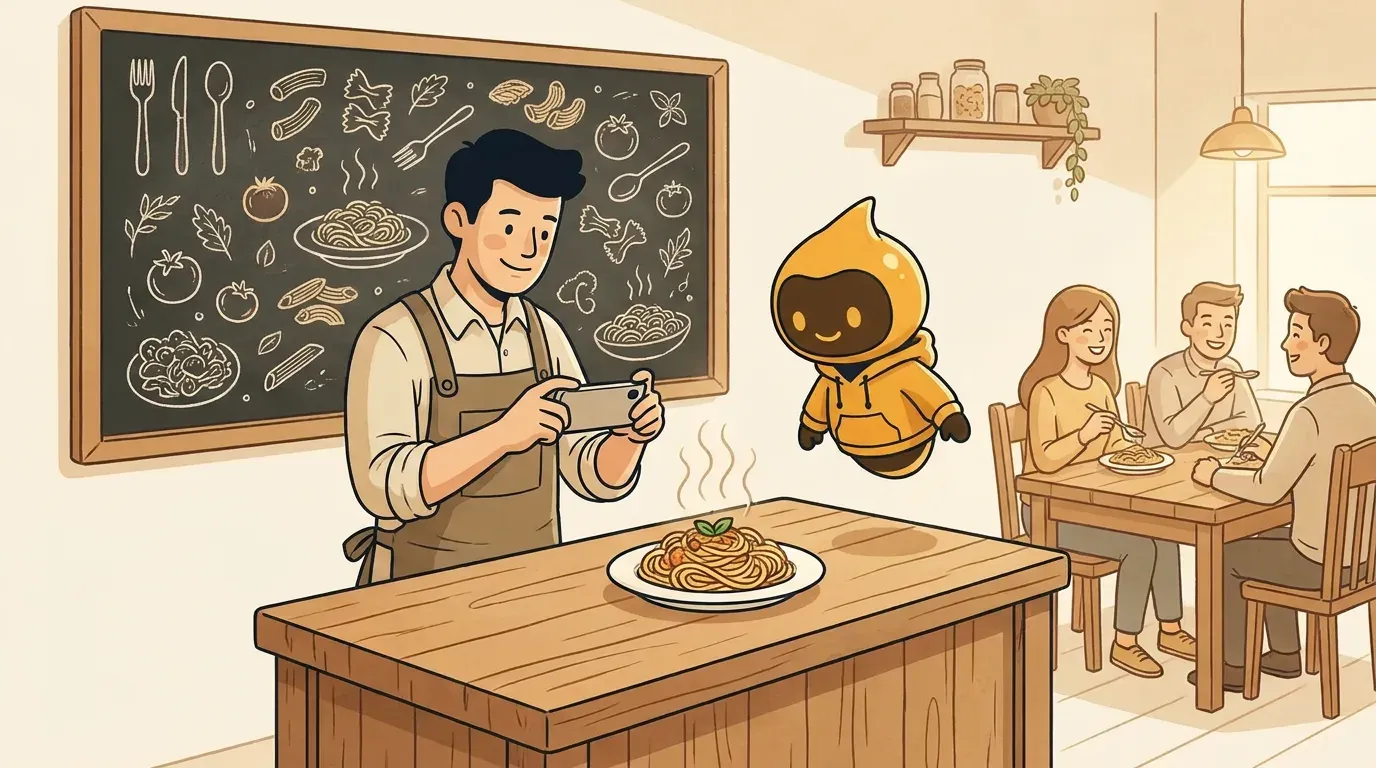
That changes what you post. A beautiful flat lay with no context does less than a short video of tonight's special coming off the grill with the words "until 9pm, while it lasts." The second post answers the questions a hungry person actually has: what is it, when can I get it, and why now?
This guide gives you a practical system: which platforms to focus on, what to post each week, how to plan around your real calendar, and how to keep it going when the kitchen is slammed.
Pick two platforms, not six
Most independent restaurants do better with two well-run channels than six neglected ones. Choose based on how your guests decide where to eat.
| Platform | Best for | What works | Skip it if |
|---|---|---|---|
| Casual dining, cafes, bakeries, cocktail bars, anything visual | Reels of food being made, Stories for daily specials, a grid that shows your atmosphere | You cannot take a decent photo or short clip at least twice a week | |
| Neighborhood spots, family restaurants, older local audiences, events | Event pages, specials, community posts, local group shares | Your guests are mostly under 30 | |
| TikTok | Distinctive food, big personalities, late-night and fast casual | Behind-the-line videos, staff personality, "how we make it" clips | Nobody on the team is comfortable on camera |
| Google Business Profile | Every restaurant, no exceptions | Updated hours, menu, photos, weekly posts, replies to reviews | Never skip it |
| Catering, corporate lunch, private events | Catering menus, event case notes, team milestones | You do not sell to businesses |
Decision rule: Google Business Profile plus the one social platform where your regulars already are. Add a second social channel only once the first one runs every week without stress.
Google Business Profile is not technically a social network, but for a restaurant it is often the most important "post" surface. People searching "brunch near me" see your photos, hours, and recent updates before they ever open Instagram.
The 5 posts every restaurant should rotate
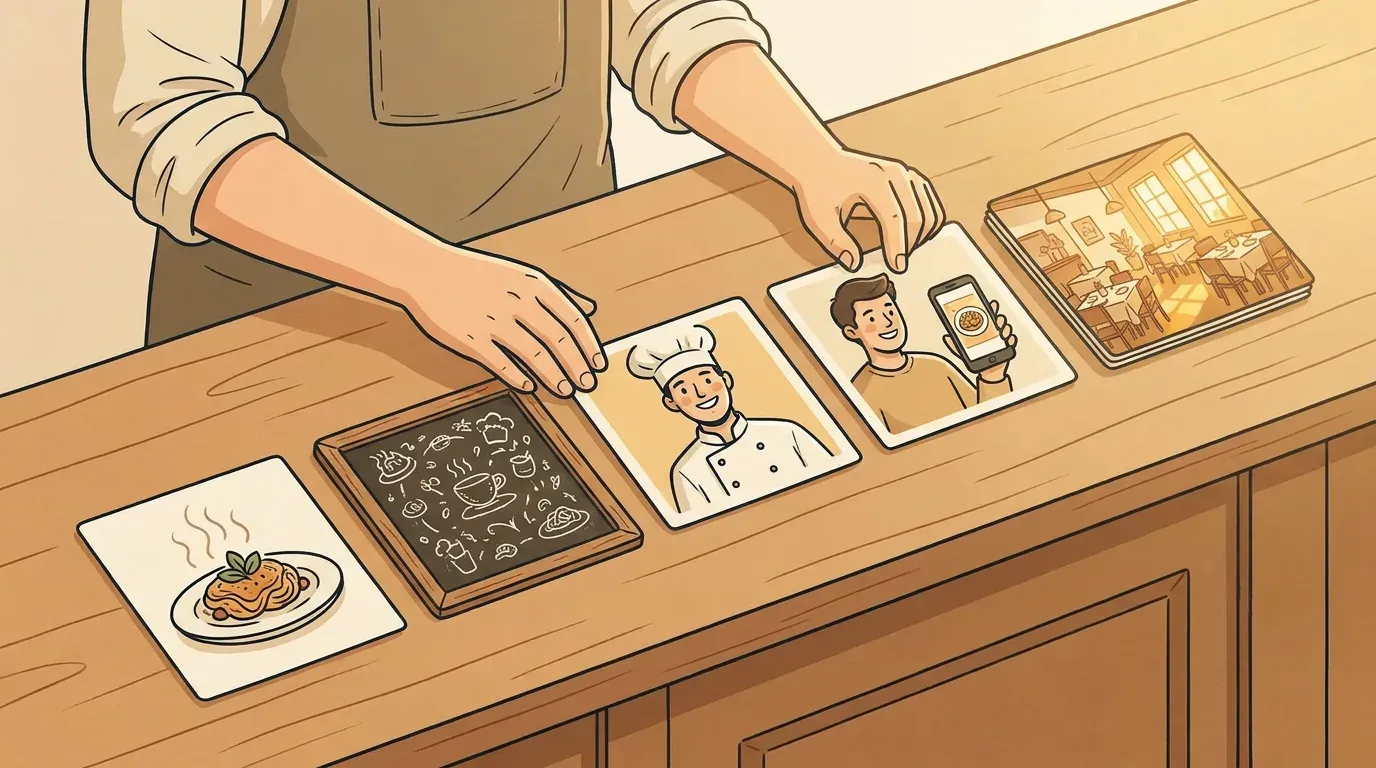
You do not need endless creativity. You need a rotation that covers the reasons people visit. Use these five content pillars and you will rarely stare at a blank caption again. (For a deeper walkthrough of pillars, see our guide to social media content pillars.)
- The plate. A dish, a drink, a dessert. Show texture and motion: the pour, the cut, the steam. Always say what it is and whether it is on the regular menu or limited.
- The reason to come now. Daily specials, seasonal menus, happy hour, a new opening time, a holiday menu, a sold-out warning. This is the post that most directly fills seats.
- The people. Your chef, the dishwasher who has been there 11 years, the server everyone asks for. Guests return to places that feel human.
- The proof. Guest photos you have permission to share, a great review turned into a graphic, a regular's order. Our user-generated content guide covers how to ask for permission properly.
- The place. Your room at golden hour, the patio opening, the playlist, the neighborhood. This helps people picture a date night or group dinner.
A simple weekly mix for a restaurant posting four times a week:
| Day | Pillar | Example |
|---|---|---|
| Monday | People | "Meet Ana, who has made every loaf of our bread since 2019." |
| Wednesday | Reason to come now | "Half-price wine by the glass, Wednesdays 5 to 7pm." |
| Friday | Plate | 10-second clip of the weekend special being plated |
| Saturday | Place or proof | Patio photo, or a reshared guest post with thanks |
If you are not sure how often to post, our breakdown of how often small businesses should post gives platform-by-platform ranges. For restaurants, consistency beats volume: three posts every week is better than ten one week and nothing for a month.
Plan around your real calendar, not a content calendar template
Restaurants already have a calendar. It is full of things worth posting about: menu changes, local events, holidays, sports nights, school breaks, and slow days you want to fill.
Build your plan from those moments:
- Slow days first. If Tuesday is always quiet, Tuesday deserves your strongest offer post, published Monday evening or Tuesday before lunch.
- Local events. A concert, marathon, farmers market, or home game nearby is a reason to post "open late" or "pre-game specials" two to three days before.
- Seasonal ingredients. "First tomatoes of the season" is a story. So is "last week for the winter menu."
- Food holidays. National pizza day and similar dates only help if they fit your menu. Skip the ones that do not.
- Operational news. New hours, holiday closures, reservations opening, a new delivery partner. These are boring to write and important to guests.
A useful habit: every Sunday, spend 15 minutes listing what is happening in your restaurant and your neighborhood in the coming week. That list becomes your posts. If you want a ready structure, our social media calendar template walks through a 30-day plan you can adapt.
Captions that make people hungry and tell them what to do
Restaurant captions should be short, specific, and practical. A good pattern:
What it is + why it is good + when and how to get it.
Weak: "Delicious vibes this weekend 🍝✨"
Strong: "Hand-rolled pappardelle with slow-braised short rib. Only 30 portions, Friday and Saturday from 5pm. Book on the link in bio or just walk in."
A few rules that help:
- Name the dish the way it appears on the menu, so people can order it.
- Include time limits honestly. Do not invent scarcity you do not have.
- Put hours, address, or booking info in the caption or first comment when the post is about visiting.
- Use a few local hashtags and location tags (your neighborhood, your city) instead of a wall of generic food tags.
- Double-check allergen and dietary claims. "Vegan" and "gluten-free" need to be true for the whole dish, including shared fryers.
Photos and video without a food photographer
You do not need a studio. You need good light and a few repeatable shots.
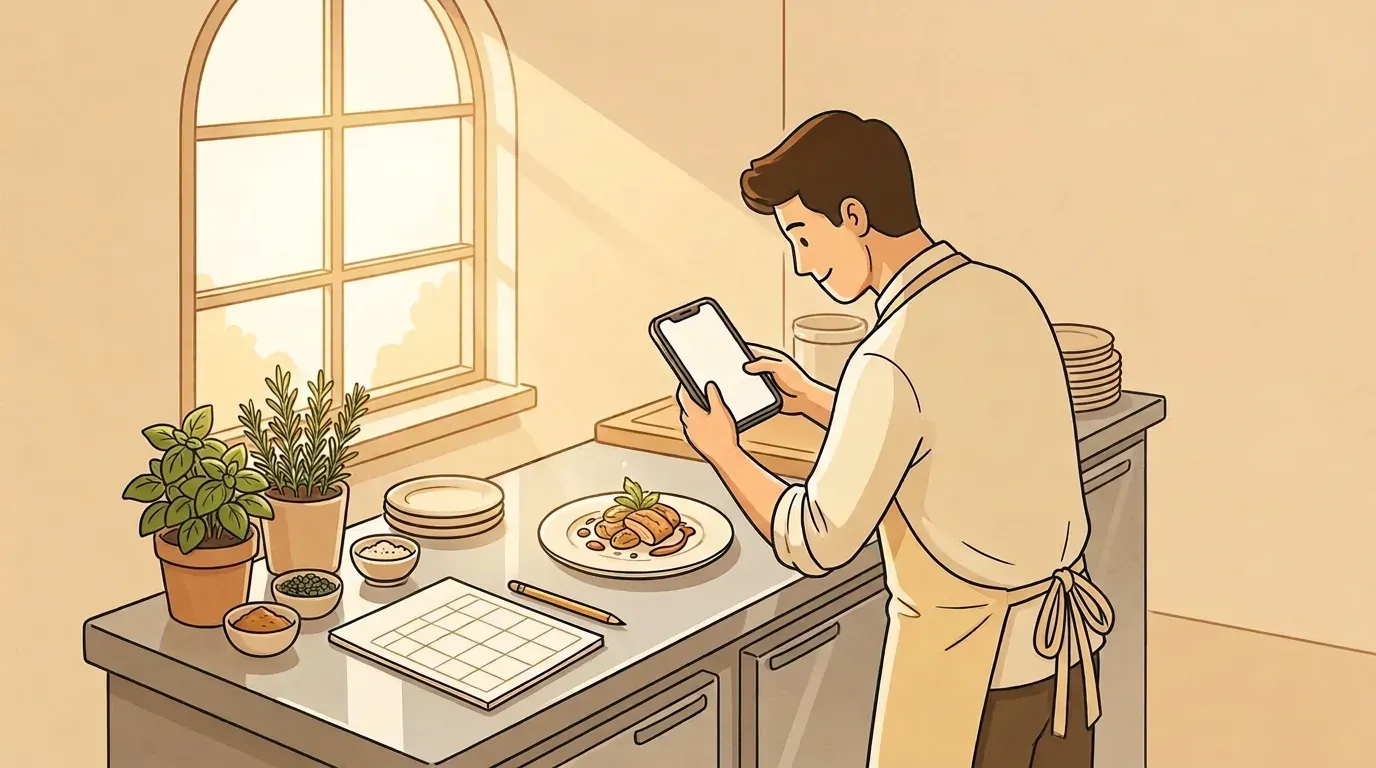
- Shoot near a window during daytime prep. Natural side light makes food look like food.
- Clean the rim of the plate and wipe the table. It takes five seconds and changes everything.
- Film vertical, 5 to 15 seconds: the sizzle, the pour, the cheese pull, the knife through a crust.
- Batch it. Shoot 10 to 20 clips and photos during one quiet prep hour each week. That is enough material for the whole week.
- Keep a consistent look. Same kind of light, similar angles, the same plates and surfaces. Consistency makes your feed recognizable (more on that in why visual consistency matters).
Turn reviews and comments into regulars
Social media is a conversation, and for restaurants, speed matters. A question like "Do you have vegan options?" is a customer deciding right now.
- Reply to comments and messages within the same service day whenever possible.
- Thank people who tag you, and ask permission before resharing their photos.
- Respond to negative reviews calmly and publicly once, then take details to a private message.
- Save frequent questions (parking, kids menu, dietary options, reservations) as quick replies.
Measure what matters for a restaurant
Likes are not the goal. Track signals that connect to visits:
| Metric | Where to find it | What it tells you |
|---|---|---|
| Website clicks and direction requests | Google Business Profile, Instagram insights | People planning to visit |
| Reservation or order link clicks | Your booking or ordering platform, link-in-bio tool | Posts that actually drive covers |
| Saves and shares | Instagram and TikTok insights | Food people want to come back for |
| Messages asking about booking, hours, or menu | Your inbox | Direct buying intent |
| Redemptions of a social-only offer | Ask staff to note a code word | A simple, honest test of what works |
Try one experiment a month. For example, post your Tuesday offer on Monday evening one week and Tuesday morning the next, then compare bookings.
A weekly restaurant social media routine (about 1 hour)
| When | Task | Time |
|---|---|---|
| Sunday | List next week's specials, events, and slow days | 15 min |
| Monday or Tuesday | Batch-shoot clips and photos during prep | 20 min |
| Monday | Write and schedule the week's posts | 20 min |
| Daily | Reply to comments, messages, and reviews | 5 min |
If you want a broader system beyond restaurants, our small-business social media workflow goes step by step from idea to approved post.
When to get help
Doing this yourself works if someone on the team enjoys it and has an hour a week. It stops working when that person is also running the pass on a Friday night. Your options:
- Hire a freelancer or agency if you have the budget and want someone else's eye. Our social media marketing cost guide shows typical ranges.
- Use a scheduler if you are happy to write everything but want to post in one sitting.
- Use an AI social media manager if the bottleneck is coming up with ideas and writing, not just posting.
That last option is what we built Beevi for. Beevi reads your website and menu, keeps an eye on the local events and seasons that matter to your restaurant, and drafts a week of posts with visuals to match. You approve what you like, and it publishes to Instagram, Facebook, TikTok and more. Nothing goes out without your say-so. If that sounds like the hour back you need, see what Beevi would post for you or check the plans.