What this restaurant social media calendar template includes
Searchers looking for a restaurant social media calendar template usually want something they can fill this week, not another pep talk. This page gives you:
- A spreadsheet column layout you can copy in about 20 minutes
- A weekly day-theme spine so you stop inventing topics from scratch
- A 30-day outline with post seeds you swap for real dishes
- Light seasonal and local reminders (not a 500-holiday dump)
- A 90-minute weekly rhythm that keeps the calendar alive
Pair the calendar with caption-ready ideas in restaurant social media post ideas. For platforms, captions, and the broader weekly hour, use social media marketing for restaurants. Running a cafe, shop, or service business instead? Use the small business social media calendar template.
Decision rule: if a calendar row has no dish, offer, or time window, it is not ready to post.
Set up the template in 20 minutes
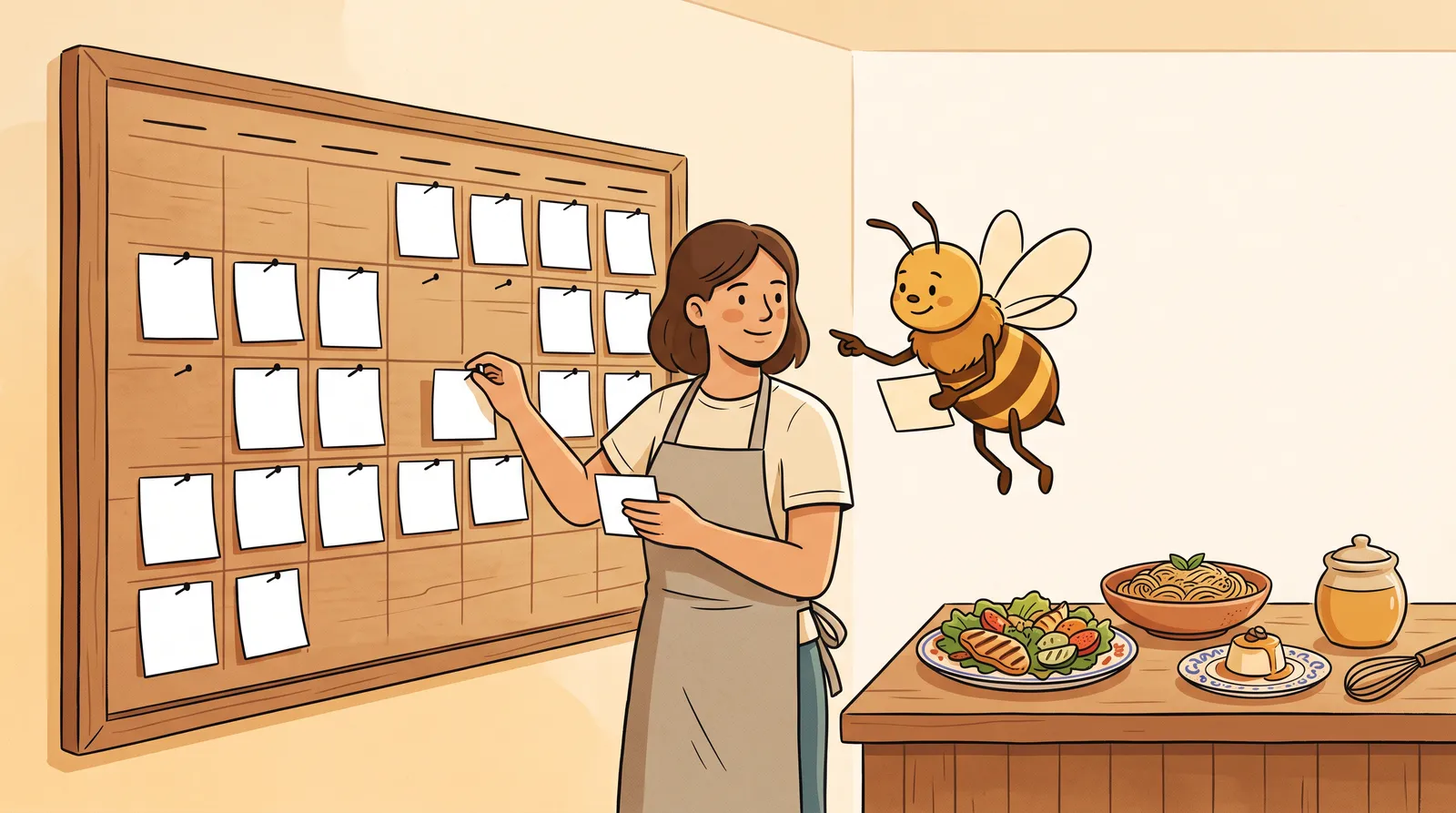
- Open a blank Google Sheet (or Notes table) with columns: Date, Daypart, Theme, Dish or offer, Platform, Format, Asset needed, Status, CTA.
- Mark fixed dates first: payday weekends, local events, holidays you actually celebrate, supplier deliveries, closures.
- Circle your two slowest services. Those slots get your strongest offer posts, not your weakest leftovers.
- Pick one primary platform plus Google Business Profile. Add a second social app only after the first stays consistent for three weeks.
- Batch-shoot once a week during prep. Put file names in the Asset column before you schedule anything.
That sheet is the template. Fancy software is optional.
Weekly day themes (repeat every week)
A simple weekly spine is easier to keep than a blank month. Use this one, then overlay real specials.
| Day | Theme | What to post | Best for |
|---|---|---|---|
| Monday | Hero dish | Top seller or signature plate with a clear order/reserve CTA | Instagram feed, GBP photo |
| Tuesday | Slow-day offer | Midweek deal with hours and limits stated honestly | Stories, Facebook |
| Wednesday | People / process | Staff pick, plating clip, or 10-second cook moment | Reels, TikTok |
| Thursday | Local or FAQ | Nearby event hook, parking, allergens, kids, reservations | Carousel, Facebook |
| Friday | Weekend push | Patio seats, prix fixe, or "still available" Friday/Saturday | Feed + Stories |
| Saturday | Proof | Guest photo (permissioned) or short review quote | Stories, feed reshare |
| Sunday | Next-week teaser | Specials board sneak peek or Monday lunch preview | Stories, GBP update |
You do not need seven feed posts. Many kitchens post 3 to 5 feed pieces and keep Stories daily. Keep the theme grid so every day you could post, you know the job.
30-day restaurant social media content calendar
Use these day themes as a month starter. Replace every bracket with your menu.
Week 1: Reset and rediscover
| Day | Theme | Example post seed |
|---|---|---|
| 1 | People | Meet [staff], their signature recommend |
| 2 | Slow-day offer | [Tuesday] deal with clear hours |
| 3 | Plate process | 10-second cook clip of [hero dish] |
| 4 | Local hook | Nearby event + your hours or special |
| 5 | Booking push | Weekend patio or prime-time seats left |
| 6 | Place | Atmosphere photo at golden hour |
| 7 | Proof | Guest photo with permission + thanks |
Week 2: Menu depth
| Day | Theme | Example post seed |
|---|---|---|
| 8 | Dietary clarity | [Vegan / GF] dish with accurate claims |
| 9 | Lunch save | Lunch under [X minutes / $Y] |
| 10 | Ingredient story | Farm or bakery supplier shout |
| 11 | Midweek FOMO | Limited portions of [special] |
| 12 | Catering or groups | Office lunch or private room CTA |
| 13 | Dessert closer | Last-call sweet with count if true |
| 14 | Weekly GBP update | Fresh photo + hours on Google Business Profile |
Week 3: Community and trust
| Day | Theme | Example post seed |
|---|---|---|
| 15 | Review highlight | Short 5-star quote (permissioned) |
| 16 | FAQ carousel | Parking, kids, allergens, reservations |
| 17 | Behind the line | Prep montage (no fake UI text in graphics) |
| 18 | Neighborhood win | School night / sports night menu |
| 19 | Reservation reminder | Still open slots for [Friday] |
| 20 | Staff pick | If I had one night off, I would order... |
| 21 | Soft close | Clean dining room reset after service |
Week 4: Conversion and next month
| Day | Theme | Example post seed |
|---|---|---|
| 22 | Bundle offer | Family tray or date-night pairing |
| 23 | Weather pivot | Soup night / patio reopen / cool-down drink |
| 24 | Preorder | Holiday or catering preorder window |
| 25 | Myth bust | How [dish] is actually made |
| 26 | UGC restory | Reshare a guest Reel with credit |
| 27 | Next-week teaser | Sneak peek of next specials board |
| 28 | Hiring or team | Only if you are hiring; otherwise swap a plate post |
| 29 | Recap | This month's most-ordered plate was... |
| 30 | Plan handoff | Note next month's events and slow days |
Days 28 to 30 are flexible. If you are not hiring, swap in another plate, offer, or proof post.
Want the 30 days drafted for you? Beevi can turn this calendar into posts in your restaurant's voice, with visuals, and nothing goes out until you approve it. Create your first posts free.
Seasonal and local dates to layer on
Do not rebuild the grid every time a food holiday trends. Keep the weekly spine, then add dates that match your concept:
- Weather and produce: soup weeks, patio reopen, tomato peak, oyster season, citrus desserts
- Community calendar: high-school sports, downtown festivals, campus move-in, payday Fridays
- True restaurant holidays: Mother's Day brunch, Valentine's seatings, New Year's Eve prix fixe (only if you actually run them)
- Skip the stretch: National [random food] Day that you do not serve is noise
Block those dates in the sheet during Sunday planning so midweek offers and weekend booking posts stay honest.
Weekly rhythm that keeps the calendar alive
| When | Task | Time |
|---|---|---|
| Sunday | Fill next 7 rows from real specials and events | 15 min |
| Monday | Batch photos and short clips | 20 min |
| Monday | Write captions and schedule | 20 min |
| Daily | Reply to comments and messages | 5 min |
| Friday | Check weekend bookings; boost a seat-fill post if needed | 10 min |
About 90 minutes a week, not a full-time content role. Consistency beats a perfect grid you abandon on week two.
Platform notes for the calendar
- Instagram: Reels and carousels for plate and process days; Stories for same-day specials.
- Facebook: Events, family packs, and neighborhood updates.
- TikTok: Myth-bust and behind-the-line days if someone is comfortable on camera.
- Google Business Profile: At least one fresh photo and hours check weekly (see day 14).
- LinkedIn: Only if you sell catering or corporate lunch; otherwise leave blank.
If you later use an AI social media manager, keep the same calendar logic. The tool should draft from your specials and brand details, then wait for approval. Beevi covers six platforms for publishing (Instagram, Facebook, LinkedIn, TikTok, X, YouTube). Update Google Business Profile separately until that channel is in your stack.
Common calendar mistakes
- Filling 30 days with slogans and no dish names
- Posting the strongest offer on your busiest night instead of your quietest
- Ignoring Google Business Profile while chasing a third social app
- Planning food holidays that do not match your menu
- Skipping the Asset column so you schedule posts you cannot shoot
- Treating Stories like feed posts (same-day specials go stale fast in the grid)
Soft next step
Copy the weekly themes and week-one rows into a sheet today. When you want help turning that plan into drafted posts with on-brand visuals, Beevi can prepare a week for your approval, or you can compare pricing and features. To try it on your own menu, create your first posts free. The calendar still works if you never sign up. The point is a month of posts tied to your actual kitchen.
FAQ
Do I need a different restaurant social media content calendar every month?
Keep the weekly spine. Refresh dish names, offers, and local events. Rebuild from scratch only when your concept, hours, or primary platform changes.
Should the calendar include Stories and Reels separately?
Yes for Instagram-heavy restaurants. Use the Format column (Feed, Reel, Story, GBP). Stories fit same-day specials that would look stale in the feed two days later.
How far ahead should I plan a restaurant social media calendar?
Plan about four weeks out for specials and holidays, then firm up the next seven days every Sunday. Leave blank rows for weather pivots and sold-out items.