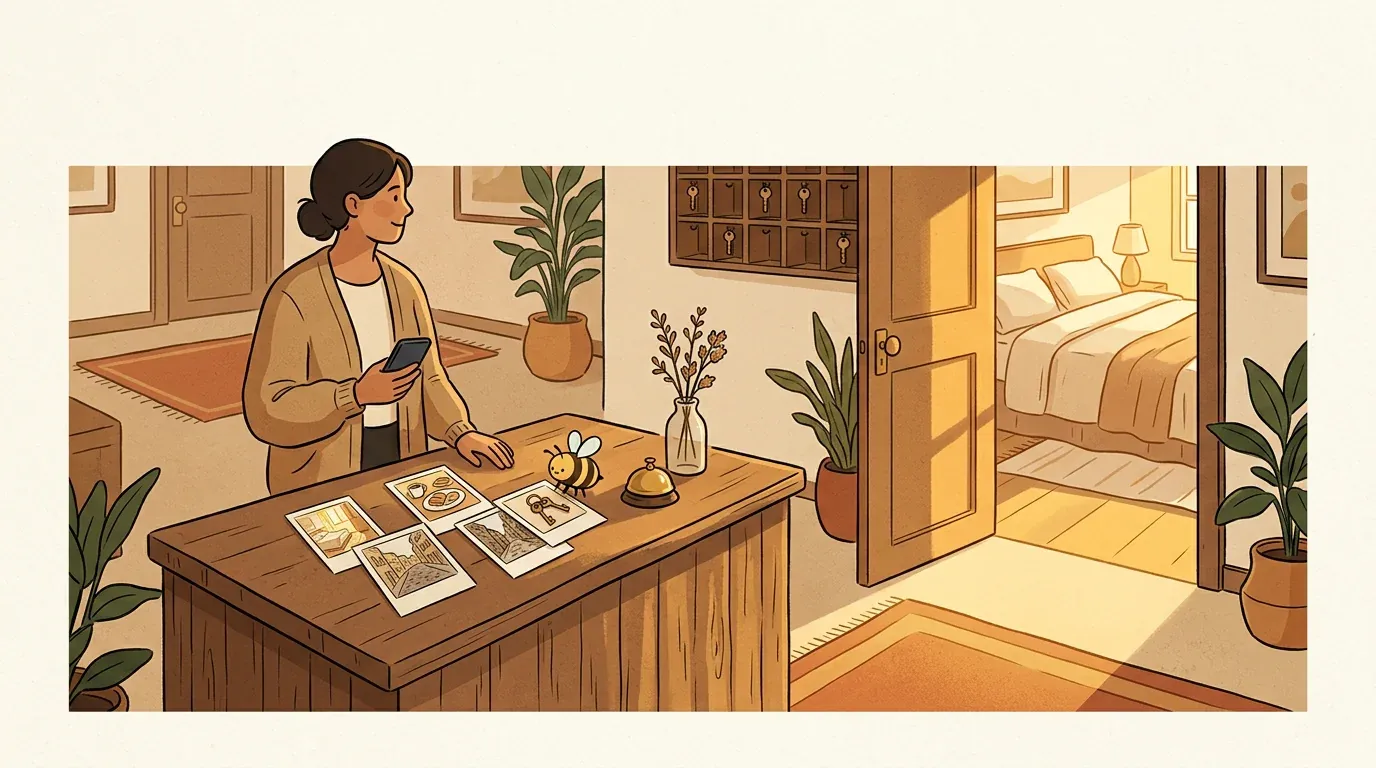
The best hotel social media post ideas show the stay, not a list of facilities. Use five groups: rooms and views, food and drink, the stay itself, the neighborhood, and people (staff, plus guests with written permission). Post three or four times a week from this mix, and end offers with a real way to book. You can start this week with photos already on your phone.
Most independent hotels, inns, and B&Bs go quiet for the same reason. The person who would post is also at the front desk, in the kitchen, or fixing a late checkout. So the page gets a lobby photo, a generic "book direct" graphic, and then two quiet weeks.
People do not book a stay from a facilities list. They book the place that showed them the morning light in a real room, what breakfast actually looks like, and how it feels to walk from the door to the town in ten minutes. (We build Beevi, an AI social media manager that writes, designs, and posts across six platforms, and nothing goes live without your approval. You can create your first posts free, or use the 35 ideas below on your own.)
This guide is for independent hotels, inns, boutique properties, and B&Bs with a small team. It is not a chain playbook. You do not need a central social department or a new photoshoot every week.
The 5-group mix for independent hotels 🛎️
A good hotel feed helps first and sells last. If every post is a rate or a "book now" graphic, people scroll past. If most posts help someone picture the stay, the right guests start to trust you, and some of them book direct.
| Content group | Share of your posts | Best format | Needs written guest permission? | Main job |
|---|---|---|---|---|
| 1. Rooms and views | 30% (about 1 post a week) | 15-second Reel or 5-slide carousel | No, if the room is empty | Help people picture waking up there |
| 2. Food and drink | 20% (about 1 post a week) | Overhead photo or short Reel | Only if guests are in the shot | Show what they will actually eat and drink |
| 3. The stay and the property | 20% (about 1 post a week) | Walkthrough or detail shots | No, if common spaces are empty | Make arrival and amenities feel clear |
| 4. The neighborhood | 15% (2 to 3 posts a month) | Carousel or Reel | No | Give them a reason to choose your area |
| 5. People, reviews, and offers | 15% (2 to 3 posts a month) | Staff photo, review card, or Stories | Yes, for any guest face, name, or story | Put real faces on the hotel, then make booking easy |
Rule of thumb: if a post only works by showing a guest's face, room number, review name, or travel story, it belongs in group 5 and needs their written OK first. Room, food, and neighborhood posts can go out this week.
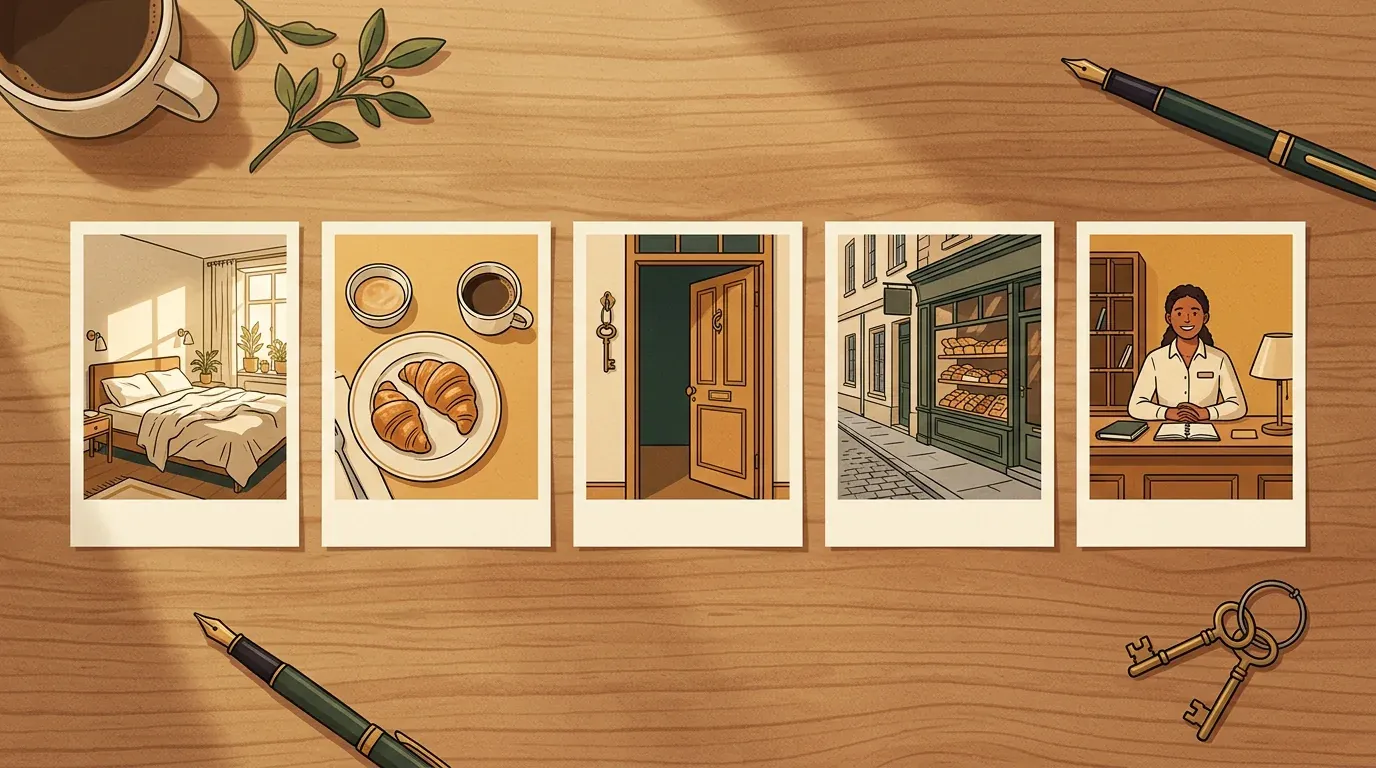
Group 1: Rooms and views (Ideas 1 to 8)
These are the posts people save when they are choosing where to stay. Film an empty room in real light, or turn four angles into a carousel with an Instagram carousel maker.
- 1. Room reveal at golden hour. Open the door, walk to the window, and let the light do the work. Caption starter: "This is what late afternoon looks like in room 12. The lamp is on purpose."
- 2. The same view, three times. Sunrise, midday, and dusk from one window. People save this when they are planning a trip.
- 3. "Which room would you book?" Two real rooms side by side, with one honest difference (the tub, the desk, the balcony). Ask people to comment.
- 4. A practical room tour. Bed, storage, outlets, coffee setup, and bathroom lighting. Skip the wide-angle trick that makes a small room look huge.
- 5. The detail guests notice. A reading lamp, a robe, a good shower, or a blackout curtain. One object, one sentence.
- 6. Day to dusk from your best room. A short clip is enough. You do not need a drone.
- 7. The quiet room. If you have a courtyard room or a back-facing room, say so. Some guests want the view. Some want to sleep.
- 8. Before you arrive, unpacked. A tidy desk, a clear luggage bench, and where the iron actually lives. This answers a boring question that stops a booking.
Group 2: Food and drink (Ideas 9 to 15)
Food posts work because they are specific. Name the dish. Show the plate. Do not use a stock croissant if you serve toast and good coffee.
- 9. Breakfast from above. The real spread, including the small things (jam, fruit, a second pot of coffee).
- 10. The signature dish or house cake. One plate, one sentence about why you serve it.
- 11. Coffee at opening. A cup on the terrace or in the breakfast room before the first guests sit down.
- 12. Cocktail, mocktail, or house pour of the month. If you have a bar, show one drink. If you do not, skip this and post idea 11 twice.
- 13. What is included, said clearly. Breakfast hours, tea and coffee in the lobby, a fridge you may use. A short checklist prevents disappointed arrivals.
- 14. A quiet table. The dining room or courtyard before service. Calm photos help evening bookings.
- 15. A seasonal menu change. The soup that appears in November, or the fruit that shows up in June. Tie it to a date from the social media holiday calendar when it fits.
Group 3: The stay and the property (Ideas 16 to 22)
Fear of the unknown keeps people on booking sites, comparing photos that all look the same. These posts show what happens after they walk in.
- 16. Arrival in 30 seconds. Door, front desk, key, and the first look at the room. Film it once, and reuse it.
- 17. How to get here. Parking, the walk from the station, or the last turn people miss. A simple Reel saves front-desk calls.
- 18. What's included in the stay. Wifi, towels, breakfast, or a late checkout option, in one checklist. Only list what is actually true this season.
- 19. The pool, garden, or lounge at a real hour. Golden hour is fine. An empty, over-edited midnight shot of a closed pool is not.
- 20. A weekend in 40 seconds. Arrival, breakfast, a walk, and dusk. This is a Reel people send to the person they travel with.
- 21. Event or meeting space, if you have it. Show the room set for a small wedding breakfast or a six-person meeting, not an empty ballroom.
- 22. Off-season honesty. "This is what the garden looks like in February, and why people still book midweek." Quiet seasons need true photos, not last summer's peak.
Group 4: The neighborhood (Ideas 23 to 28)
Guests often choose a hotel because of the area, then check the rooms. Give them a reason to stay on your street.
- 23. Three things within a 10-minute walk. A bakery, a bookshop, a path, or a gallery. Tag the places so they may share it.
- 24. The best sunset or morning spot nearby. One location, one time of day, no exaggerated claim.
- 25. A local partner. The cafe that makes your pastry, the bike shop that rents by the day, or the gallery next door.
- 26. This week's event in town. A market, a concert, or a festival, posted early enough that people can still book a room.
- 27. A rainy-day plan. Museums, a long lunch, or the lounge with the good chairs. This helps shoulder-season bookings.
- 28. Why this neighborhood, in one minute. The honest version: "You hear the trams, you can walk to dinner, and the beach is a 12-minute walk."
Group 5: People, reviews, and offers (Ideas 29 to 35)
These are the most convincing posts, and the most sensitive. Get written permission before you show a guest's face, name, room, or story. Staff can usually appear if they have agreed to it.
- 29. Meet the person at the desk. First name, one detail (the dog, the garden, the bread they bake), and what they help with.
- 30. A morning with housekeeping or the chef. Behind the scenes, before guests are in the frame.
- 31. A guest review, turned into a simple graphic. Use a public review only with the reviewer's OK if you add their name or photo. Keep the wording exact.
- 32. Guest photo of the stay, with permission. Ask first, credit them, and never show a room number or a child's face unless a parent has agreed in writing.
- 33. Last-minute weekend availability, in Stories. Only post rooms you actually have. A link sticker or a booking link in the bio is enough.
- 34. A seasonal stay, said simply. A midweek rate, a two-night winter break, or a holiday table, with dates and what is included. For December ideas, see our Christmas social media post ideas.
- 35. An honest FAQ. Parking, check-in time, pets, or accessibility, answered in one short video or carousel. If a detail can change, say to message you to confirm.
A weekly plan you can keep 📅
You do not need to post every day. Three or four posts a week is plenty for most small hotels, and our guide to how often to post explains why a steady pace beats a burst. Here is one rhythm that fits around a full front desk:
| Day | Group | Example post | Format | Who checks it |
|---|---|---|---|---|
| Monday | Rooms and views | Room reveal at golden hour (Idea 1) | 15-second Reel | Owner or general manager |
| Wednesday | Food or the stay | Breakfast from above (Idea 9) | Photo or short Reel | Kitchen or breakfast lead |
| Friday | Neighborhood or people | Three things within a 10-minute walk (Idea 23) | Carousel | Owner or general manager |
| Saturday (optional) | Offer or review | Last-minute weekend rooms (Idea 33) | Stories | Owner or general manager |
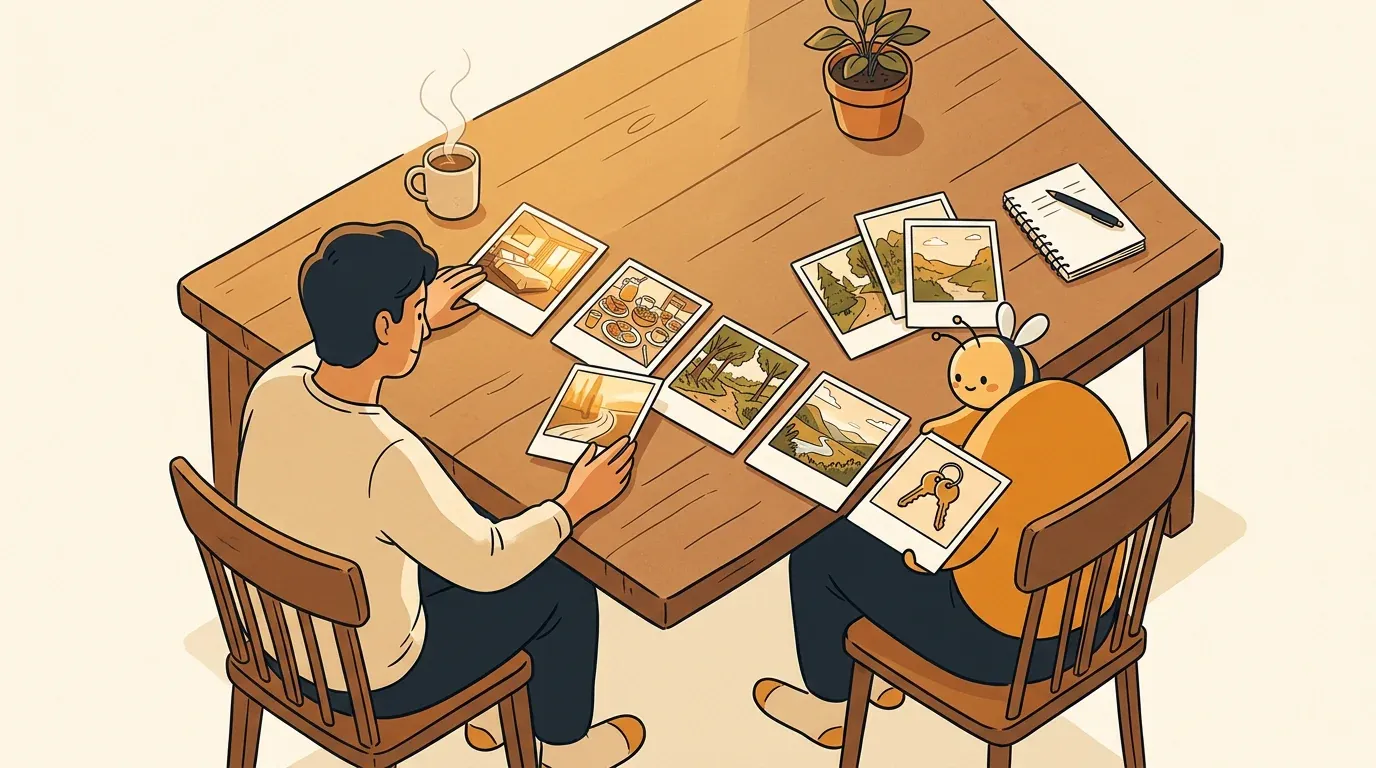
Batch the week in one sitting if you can. About an hour a week is a reasonable target once the photos are already on your phone. That is a founder estimate, not a timed study. Schedule the posts with a social media scheduler. If you want to plan a full month, our guide to building a social media content plan walks through it.
If you also run a single vacation rental, several of the room, neighborhood, and review ideas still work. The weekly plan above assumes a front desk and shared spaces, so drop the breakfast and lounge posts if you do not have them.
Guest photos, offers, and claims 🔎
Hotel posts can create awkward moments if they overpromise. This is not legal advice, so check with your own advisor, but these rules keep most independent hotels safer:
- Get written permission before you post any guest photo, video, name, or story. A verbal "sure" at checkout is easy to forget. Keep a short form that names where the content may appear.
- Check the background of every photo. Other guests, a registration card, a luggage tag, or a room number can slip in.
- Only post offers and availability that are true today. If the last weekend room is gone, take the Story down.
- Do not invent typical results. "Our guests always sleep better" or a glowing review you wrote yourself will catch up with you. Use real reviews, worded accurately.
- Never argue in the comments. Thank people, answer once, and move private questions to a message.
Worked example: a week at a 22-room inn ⏱️
Here is a made-up example to show the flow. "Harbor Wren Inn" is a 22-room property with an owner, one breakfast cook, and a front-desk shift that also answers messages.
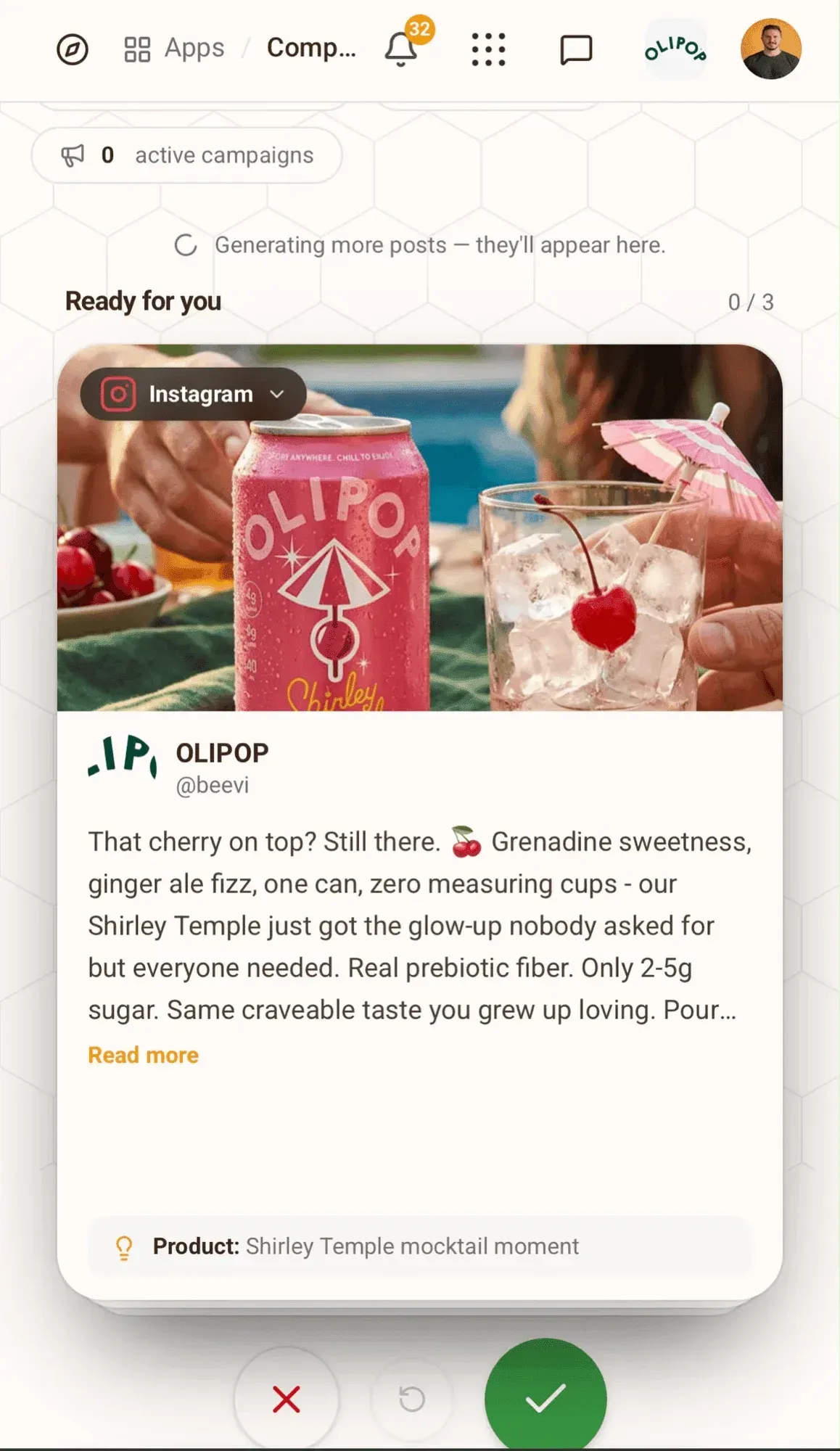
On Monday morning, the owner opens Beevi. It has already drafted the week from the inn's rooms, tone, and photos: a golden-hour room Reel, a breakfast photo, a carousel of three nearby walks, and a weekend availability Story. She swaps one wide shot for a real photo of the garden room (empty, lights on) and shortens a caption so it sounds like her.
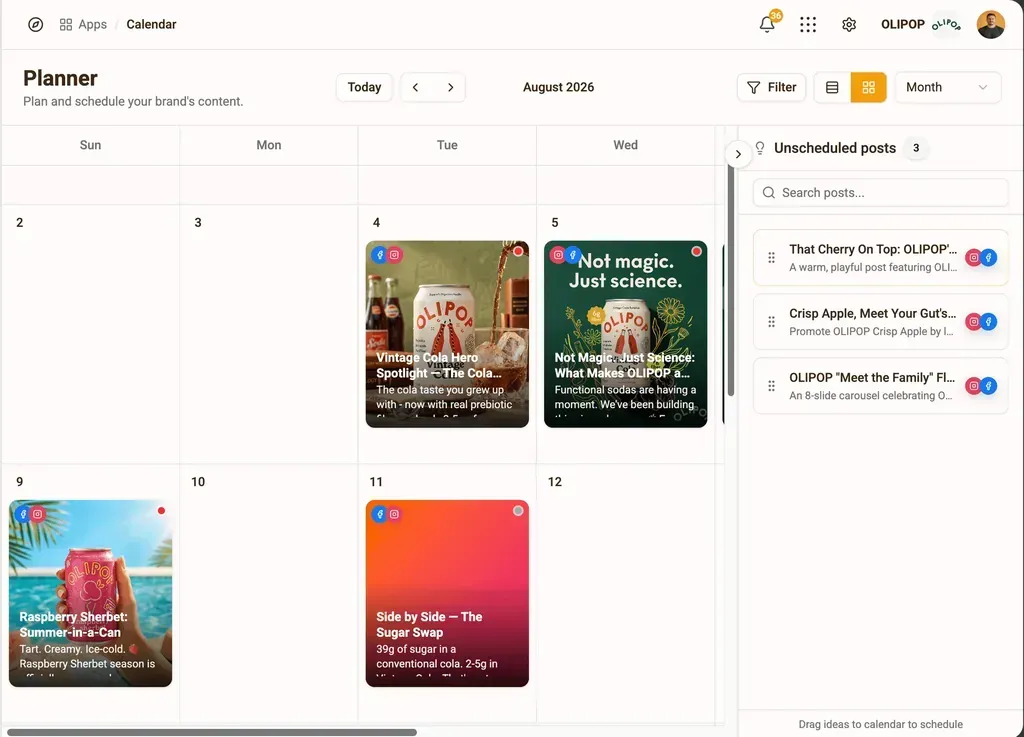
The drafts sit on a calendar, so she can see the whole week and move the breakfast post if the baker is late. Then she sends the offer Story to her desk lead through Beevi approvals. Between check-ins, he confirms the two remaining weekend rooms and taps approve. Only then do the posts go out across the inn's connected accounts.
Beevi writes, designs, and posts across six platforms: Instagram, Facebook, LinkedIn (personal profile and Company Page), X, TikTok, and YouTube. You can connect one account per platform in each workspace, and nothing posts until you approve it, on any plan. If the owner and the front desk both need access, the Team plan adds shared review links and approval chains. See current plans on the pricing page.
Beevi is built to save about 5 to 10 hours a week on planning and drafting once the mix is set (a founder estimate, not a survey). You can see how this works for your own hotel when you create your first posts free during onboarding.
One honest limit: Beevi cannot walk your property or photograph an empty room for you. The room Reels and breakfast shots still need someone with a phone in the building. What it does is take the writing, design, and scheduling off your plate.
Start with three posts next week
You do not need all 35 hotel social media post ideas at once. Pick one real room in good light, one honest breakfast or arrival clip, and one neighborhood post with three nearby places. Put those three on the calendar, have the owner check any offer or review, and keep going for a month.
Looking for more ideas for local businesses? Our lists of salon social media ideas, coffee shop social media ideas, and veterinary social media post ideas use the same simple mix, and the what to post today tool gives you a quick idea when you are stuck.
If you want help that drafts the week in your hotel's voice and waits for your approval before anything goes live, create your first posts free or compare plans on our pricing page.